
Hardware manual

Starting up fieldbus communication and programming the ABB PLC
106
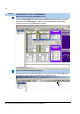
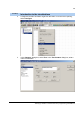
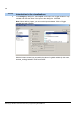
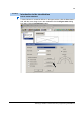
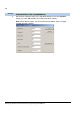
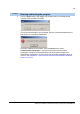
2. Set the scale. Write the name of the indicated variable (in this case Variable:
speed_act). Click OK and OK. The indicator has been created.
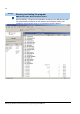
Note: When defining inputs, you can use the Input assistant. Click on Toggle
variable field and press F2.
Tool/Step
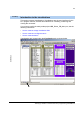
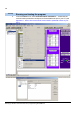
Introduction to the visualizations