
Hardware manual

Starting up fieldbus communication and programming the ABB PLC
109
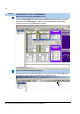
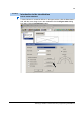
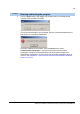
3. From the Online menu, click Login. The program asks you to download the
program to the controller. Click Yes.
If you get a communication error message, then the connection between the PC
and the PLC is not properly established.
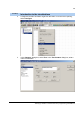
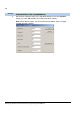
Check the cables and connections. From the Online menu, select
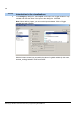
Communication Parameters… and remove irrelevant communication
parameters. Configure the communication with the SYCON.net again and
download the configuration. To find out the communication parameter values of
your PC, see Appendix A - How to find out the serial communication parameter
values of your PC?
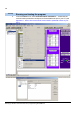
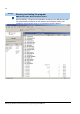
Tool/Step
Running and testing the program