Part 1: 802.11b Wireless LAN
1-45
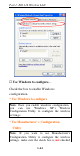
then click the Network Status icon in the taskbar.
(Please refer to below figure)
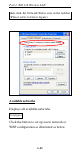
Available networks
Displays all available networks.
Configure
Click the button to set up a new network or
WEP configuration as illustrated as below.