
User's Manual



Part 2: USB Flash disk
2-5
Manage your USB Flash
Disk
Main Menu
Step 1.Load the included CD and open it.
Double-click MYKEY.
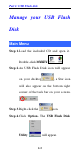
Step 2.An USB Flash Disk icon will appear
on your desktop , a Star icon
will also appear on the bottom right
corner of the task bar on your screen.
.
Step 3.Right-click the icon.
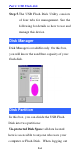
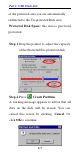
Step 4.Click Option. The USB Flash Disk
Utility will appear.