
User`s guide

Deskset Settings 223
Synapse SB67030 Deskset and Accessories User’s Guide
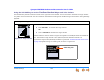
Setting Cordless Handset Contrast
To adjust the display contrast:
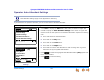
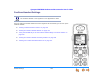
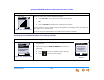
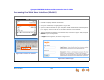
Figure 309. Settings Menu
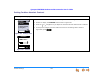
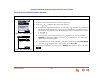
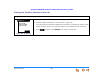
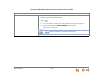
Figure 310. Contrast
1. Press OPTIONS, then 5 to display the Settings menu shown in Figure 309.
2. Press 1 to display the Contrast screen shown in Figure 310.
3. Press the or navigation key to adjust the contrast until the desired level is reached.
4. To accept the changes you have made and return to the Settings menu shown in
Figure 309, press .
12:30p Feb 23
2 Missed Calls
5 New MSGs
EXT 249
John Smith
SETTINGS
1. Display
2. Sounds
3. Restore Default
4. Deregister
EXI T
EXI T
Aa
Bb
Cc
Dd
Ee
Ff
Aa
Bb
Cc
Dd
Ee
Ff
CONTRAST