
User`s guide

Web Interface 229
Synapse SB67030 Deskset and Accessories User’s Guide
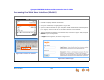
Accessing the Web User Interface (WebUI)
To access the WebUI:
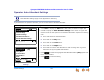
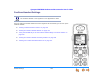
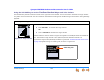
Figure 319. Deskset Information
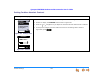
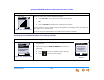
Figure 320. Browser IP Address
1. Press MENU on the Deskset.
2. Press 4 to display Deskset Information.
3. Find your IP Address, as highlighted in Figure 319.
4. Open an Internet browser on your computer. AT&T recommends Internet Explorer
(7 or higher). The PC must be on the same network as the Deskset.
5. Type the Deskset IP address in the address bar, as shown in Figure 320, and press
ENTER on your PC keyboard.
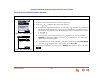
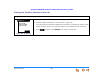
6. A Login screen appears, as shown in Figure 321.
Figure 321. WebUI Login