
User`s guide

Web Interface 230
Synapse SB67030 Deskset and Accessories User’s Guide
To access the WebUI: (Continued)
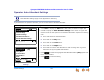
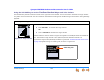
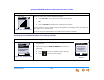
7. Log in as a user by typing your extension number, and unless you have created a
password, leave the password blank.
8. Click .
You can create or change your user password once you are logged in.
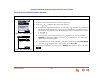
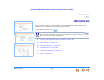
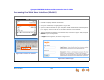
The system displays the Basic Settings screen shown in
Figure 322 on page 231.
Changing a setting does not instantly apply the new value. Clicking
saves and applies all changes on that page.