ENGLISH
36
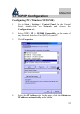
Configuring PC (Windows NT4.0)
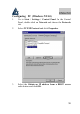
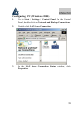
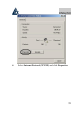
1. Go to Start / Settings / Control Panel. In the Control
Panel, double-click on Network and choose the Protocols
tab.
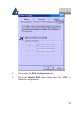
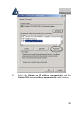
2. Select TCP/IP Protocol and click Properties.
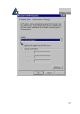
3. Select the Obtain an IP address from a DHCP server
radio button and click OK.