
Network Router User Manual

Chapter 3 Installation and Configuration
37
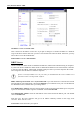
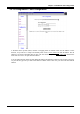
User Mode: There are two selections, Single User and Multi-User, for this setting.
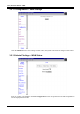
Ethernet Mode Setting
Click this hyperlink to set the Ethernet mode of your LAN. There are five modes in total, including Auto
Sense, 100 Full, 100 Half, 10 Full, and 10 Half.
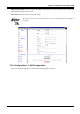
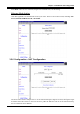
3.5.6 Configuration – NAT Configuration
The NAT feature allows multiple users to access Internet through a single IP account, sharing the single
IP address from ISP. If users in the LAN site have public IP addresses and can access Internet directly,
the NAT function can be disabled.