
AL529 User Manual V1.00

16
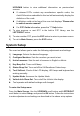
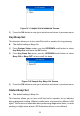
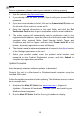
Figure 2-14 Sample Log In Window
3. Connect the scan tool to your computer with the provided USB cable.
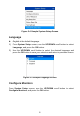
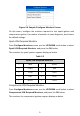
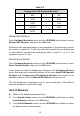
4. From System Setup screen in the tool, select Update Mode, and press
OK.
5. Enter your Autel ID and password and wait for the Update window to
display. If you forget your password, click the [Forget Password?] link
to our website and retrieve your password. Or click Sign up to create an
Autel ID to continue.
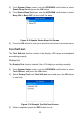
6. Select tool and serial number, click OK to continue.
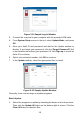
7. In the Update window, select the appropriate files to install.
Figure 2-15 Sample Update Window
Generally, there are two ways to update programs:
Batch Update
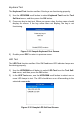
1. Select the programs to update by checking the boxes next to those items.
Then click the Update All button on the bottom right of screen. Click the
Clear All button to deselect files.