
AL529 User Manual V1.00

24
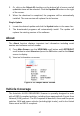
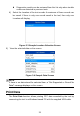
Review previously stored data before erasing.
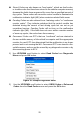
Figure 4-1 Sample Erase Previous Data Screen
8) To erase the data, press the OK button; if you do not want to erase the
data, press ESC to exit or use LEFT/RIGHT button to select NO and
press OK to continue.
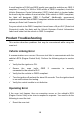
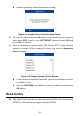
9) View a summary of system status (MIL status, DTC counts, Monitor
status) on screen. Wait a moment or press any key for Diagnostic
Menu to display.
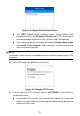
Figure 4-2 Sample System Status Screen
If more than one module is detected, you will be prompted to select
a module to test.
Use the UP/DOWN scroll button to select a module and press the
OK button.
Read Codes
The Read Codes function can be performed with the key on engine off
(KOEO) or with the key on engine running (KOER).