
AL529 User Manual V1.00


34
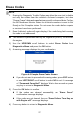
Figure 4-19 Sample Manual Trigger Screen
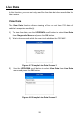
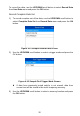
If DTC Trigger is selected, following screen displays:
Figure 4-20 Sample DTC Trigger Screen
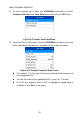
5) Wait for DTC to trigger or press OK to start recording.
Drive till a DTC is detected when DTC Trigger is selected. If no
DTCs are detected, press ESC to exit recording.
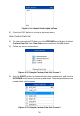
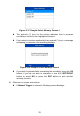
Figure 4-21 Sample Recording Data Screen
The number “x/x...” in the upper right corner of the screen indicates
the number of recorded frames out of the maximum frames that can
be recorded.