
User guide

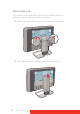
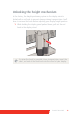


Table Of Contents
- Welcome!
- Table of contents
- What's in the box
- Parts, controls and connectors
- Display installation
- Daily operation
- Advanced operation
- OSD menu position
- OSD menu language
- OSD menu automatic close function
- Power status indicator light
- Key indicator lights
- Power lock function
- Keys sound
- Ethernet over USB
- DDC HID Device
- DPMS mode
- Hibernate
- Luminance target
- Color presets
- Color temperature
- Color coordinates
- Viewing modes
- Display functions
- Ambient Light Compensation (ALC)
- Reading rooms
- Continuous ALC
- Image scaling
- Image source selection modes
- Video input signals
- Video encoding modes
- Grayscale conversion modes
- EDID timings
- Display info
- Display status
- Cleaning your display
- Repackaging instructions
- Important information
Coronis Fusion 6MP 13
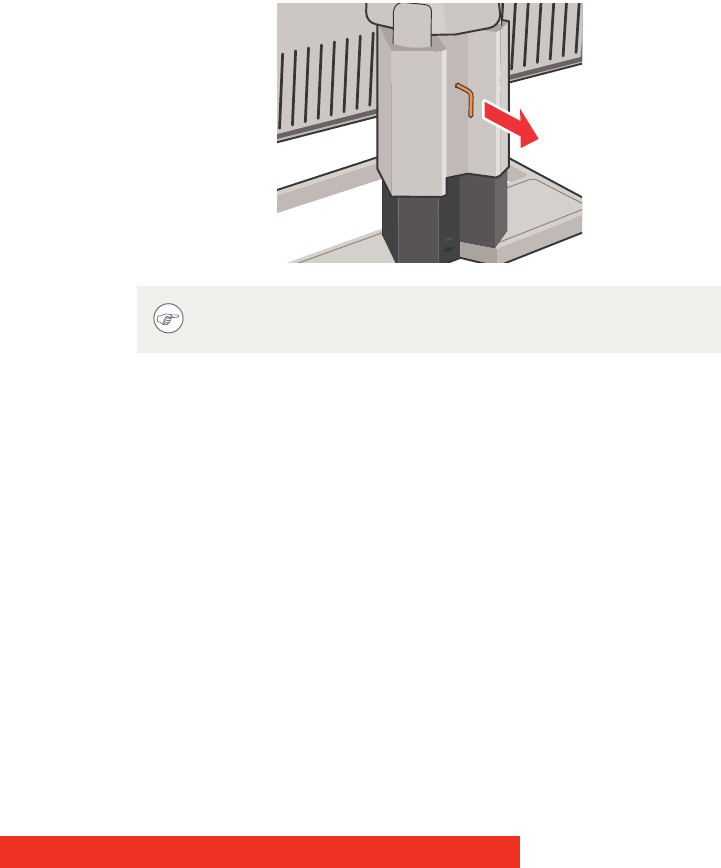
Unlocking the height mechanism
In the factory, the height-positioning system in the display stand is
locked with a red hook to prevent damage during transportation. You’ll
have to remove this hook before adjusting your display height position.
1 While holding the display panel pushed down, pull out the red
hook in the display stand.
To retain the hook for possible future transportation, insert the
short, red end of the hook back into the stand of your display.