
Installation Guide


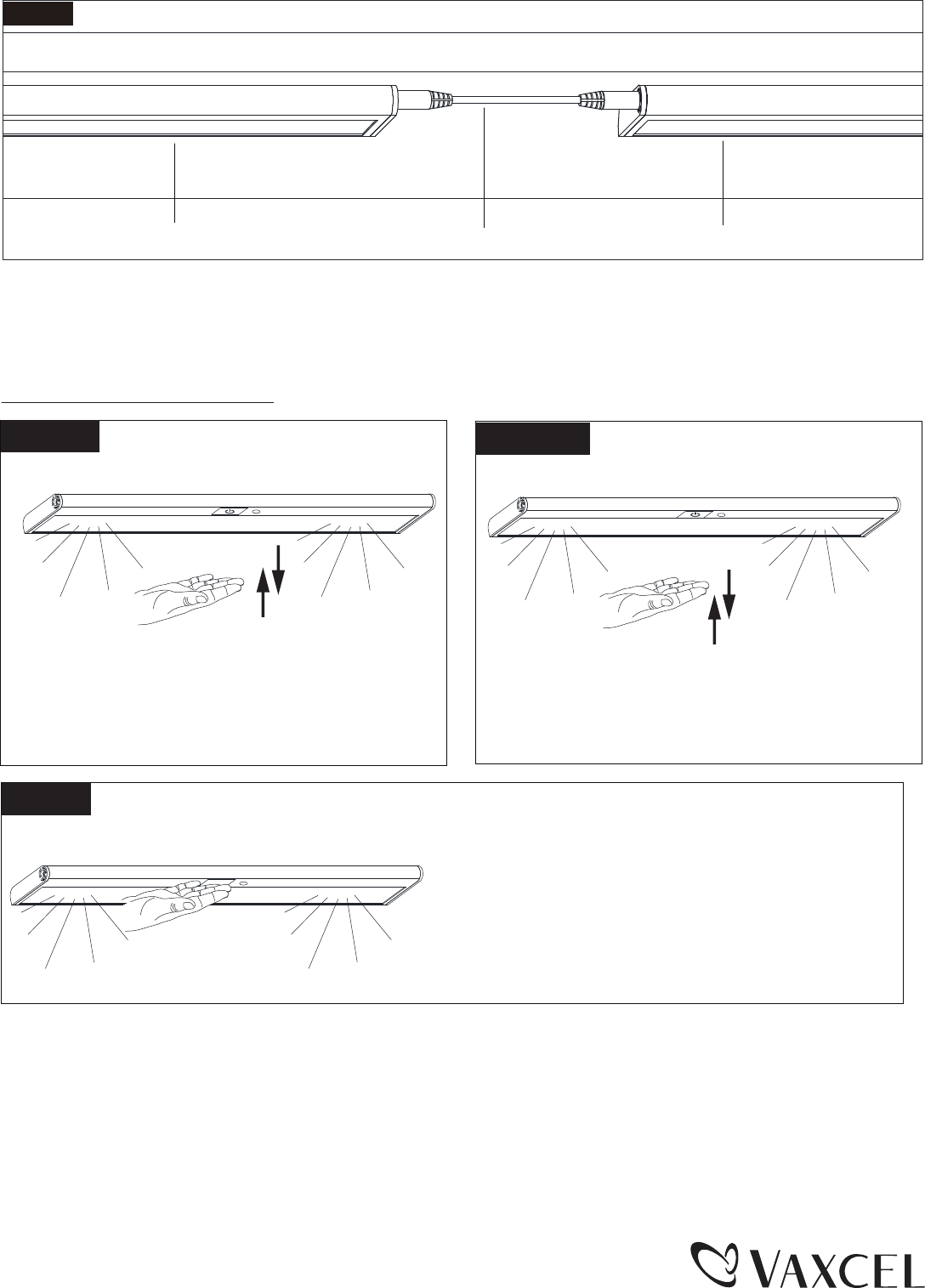
When your fingers touch the touch pad twice
continuously, the LED indicator and the fixture
will flash 2 times and then soft turn off within 1
minute.
Function and Operation
Fig.8.
12˝ Linking Cord
Cabinet Light Fixture
Cabinet Light Fixture
B. Using 12˝ linking cord:
Determine location for next fixture in run. (Minimum 3” distance for linking cord should be allowed at
both ends of fixtures). Install the additional cabinet light fixture by following steps 1-5 of the instruction
steps. Once installed, attach the linking cord (12 inches) between the last cabinet light fixture and the
new one. (See Fig.8)
on-off
Soft turn off
(x1)
To turn on or turn off the fixture, use your fingers
to gently touch the touch pad one time.
(x2)
Page 3
161125
1. Light will start to dim when your fingers staying
on the touch pad for longer than one second.
1a. when the LED indicator flashes 1 time, it means
the ray of light reaches maximum brightness
(100% brightness) or minimum brightness
(30% brightness).
1b. The light will lock in the brightness when the
fingers are removed from the touch pad.
Dimming