
Technical data



Values window
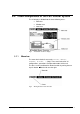
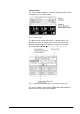
The values window compares set values and actual values of the
running process in a clear manner.
Fig. 14 Values window
The display of the actual values offers a special feature: The
operator can select six actual values and assign them to the
different display positions. In order to assign these six values
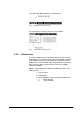
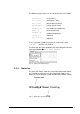
select the menu VALUES Æ Display configuration.
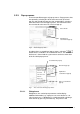
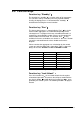
Fig. 15 Dialog box for the configuration of six positions for actual values
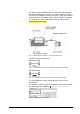
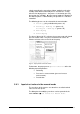
The 6 sub-scrollbars of the multi-scrollbar reflect the positions of
the 6 actual values in the values window.
46 • LSC Control System Operating Manual Freeze Dryer ALPHA 1-4 LSC / ALPHA 2-4 LSC