
Technical data
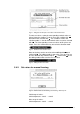

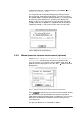

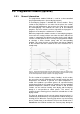
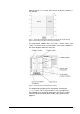
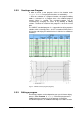

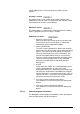
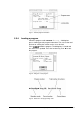

Fig. 37 General program information
5.5.4. Loading a program
Select the program under PROGRAM Æ Load. A dialog box
opens showing general program information. The start section and
the time for starting the section can be set as desired.
Press
to load the program. The dialog box is closed and
the status bar is updated. Press the function key “Run”
to start
the program.
Fig. 38 Dialog box “Load program“
Fig. 39 Status bar in the programming mode
60 • LSC Control System Operating Manual Freeze Dryer ALPHA 1-4 LSC / ALPHA 2-4 LSC