
Technical data
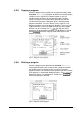
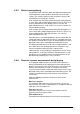
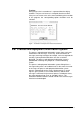
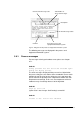
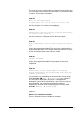
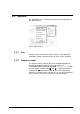
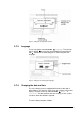
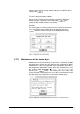
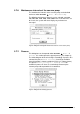
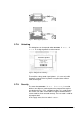

Fig. 45 Dialog box for setting the contrast
5.7.3. Language
To set a language, select OPTIONS Æ Language. Turn the turn
& push button to select the corresponding flag and confirm it
with
. Afterwards the mimic diagram is shown using the new
language.
Fig. 46 Dialog box for selecting the language
5.7.4. Changing the date and time
The LSC control system is equipped with a built-in clock with a
buffer battery. The clock has to be reset after a failure of this buffer
battery. The time can be set under OPTIONS Æ Misc. Æ
Date/Time. The date and time that are currently set are used as
set values when the window is opened.
To set the date, proceed as follows:
Operating Manual Freeze Dryer ALPHA 1-4 LSC / ALPHA 2-4 LSC LSC Control System • 67