
User's Manual





117
Update
Chapter 6 ! Ζ
Note: The number of configurable fields is always one less than the total number of
fields specified. The extra data characters beyond the last field configured will be
automatically assigned to the next field.
6.2.5 FIELD SETTINGS
Data eligible for editing formats is divided into fields by user-specified rules – either
using the field terminating string or specified field length.
By Terminating String
Specify the field terminating string. Up to two characters are allowed. The scanner will search for
the occurrence of this particular string in the data.
By default, this string will be included in the field. You may discard it.
By Length
Alternatively, you may simply specify the field length. The scanner will assign the next specified
number of characters into the field.
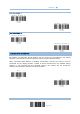
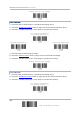
FIELD 1 SETTING
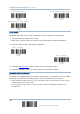
1) Read the label to divide field by a specified terminating string.
2) Read the “Hexadecimal Value
” label on page 124 for the desired character string.
3) Read the “Validate” label on the same page to complete this setting.
1) Read the label to divide field by length.
2) Read the “Decimal Value
” label on page 123 for the desired field length.
3) Read the “Validate” label on the same page to complete this setting.
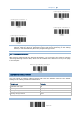
Select Field Separator
to Divide Field 1 …
*Include Separator
Discard Separator
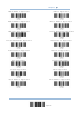
Six Fields