- Cisco Network Router User's Manual
Manuals
Brands
Cisco Systems Manuals
Network Router
LAIRCTVM5K9
11
12
13
14
15
16
17
18
19
20
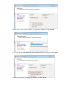
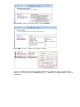
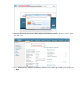
In the
Firewall Properties
window, select
VM serial port connected to vSPC
, and click
OK
.
8.
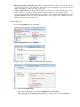
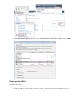
Start up the vWLC
Complete these steps:
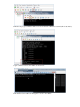
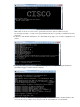
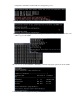
Start the vWLC, and select the console in order to observe the first−time installation process.
1.
1
...
...
14
15
16
17
18
...
...
33