
Operation Manual

Status information
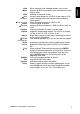
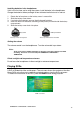
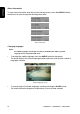
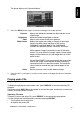
To view status information about the current viewing session, press the DISPLAY button
continuously to cycle through the following information.
Status information
Changing languages
Note:
All audible languages must be pre-recorded on the DVD. Some DVDs only allow
language access through the DVD menu.
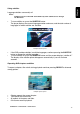
y To change the audible language, press the AUDIO button on the remote.
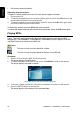
The player displays the current language number and name, and the total number of
languages available.
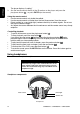
Sample language option
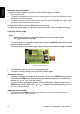
y To cycle through all available languages, continue pressing the AUDIO button.
The audio information disappears automatically if you wait three seconds.
OHM888VD / OHM1088VD / OHM1588VD 16