
Users Manual Part 1

RADIO AND CD/USB PLAYER WITH Bluetooth®
1-7
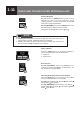
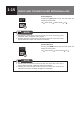
Preset Scan
To automatically scan preset channel stations, press
this button on the 2nd layer MENU and the radio will
start from the next preset channel of current band. If
current station is not preset channel, preset scan will
start from preset channel 1 of current band.
When a station is located, the tuner will stop at that
frequency for 7 seconds and then will continue to
search for the preset channel.
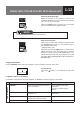
If you want to keep the station that has been found, the
scan function should be stopped as follows:
Press the “SCAN” button.
Press the “SEEK” button.
Press the “Preset” button.
● The radio stations in memory are erased when the power supply is
interrupted during replacement of the battery or fuse.
● This will cause the setting to return to the initial preset station (FM1 CH1).
NOTE
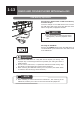
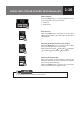
Auto Store
If the
[AST]
button is pressed on the 2nd layer MENU,
the station you are currently listening to will change as
the system seeks the next station with a strong signal
at a higher frequency.
When a strong radio reception is found, the station
will be automatically stored in memory as a preset
station (auto preset mode) within the radio band being
received.
1. Tune the radio to the station you want to store in
memory.
2. Press and hold the desired [
PRESET]
button (“1” to
“5”) for 2 seconds or more.
When the station is successfully stored in the
memory, the beep sound is heard, and “CH (1 to 5)
Memory” appears in the display.
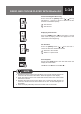
To listen to a preset station, press the appropriate
[PRESET]
button (“1” to “5”) lightly for less than 2
seconds.
● Press the
[AST]
button again to cancel the Auto Store mode.
● Current band is selected for Autostore
NOTE
Preset Buttons
A maximum of 5 stations (“1” to “5”) can be
programmed to the “Preset” buttons for each of the
FM1, FM2, FM3 and AM bands.