
Users Manual Part 1

RADIO AND CD/USB PLAYER WITH Bluetooth®
1-14
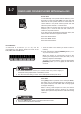
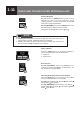
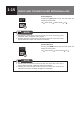
Fast Forwarding/Fast Reversing
Press and hold the
[SEEK]
button
[
/
]
during
playback for 1 second or more to advance the file
forwards or backwards quickly.
: Fast forward
: Fast reverse
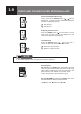
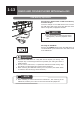
Replaying the Same File
Press the
[SEEK]
button
[
]
for less than 1 second
when track is playing >2s to start playback of the
current le from the beginning.
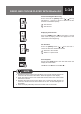
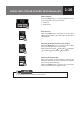
File Selection
Press the
[SEEK]
button
[
/
]
for less than 1
second to select the desired le number.
: Advance to the next le.
: Return to a previous le
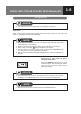
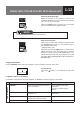
Scan Playback
Pressing the
[SCN]
button each time will switch the
display as shown below:
Off
File scan Folder scan Off ...
● Selecting the track scan function will allows you to locate and play the rst 10
seconds of all the tracks in all folders. “SCN” will appear on the display.
● Track Scan will proceed to next folder after all the tracks in the current folder
have been scanned.
● Selecting the folder scan function allows you to locate and play the rst 10
seconds of the rst track of all the folders on an disc. “F.SCN” will appear on
the display.
● Folder scan play will always start from the rst track of next folder.
NOTE