
Installation and Operation Manual




INS_NetWave_REV– 06/10/13 PAGE
18
INSTALLATION AND OPERATION MANUAL
NETWAvE
Routes
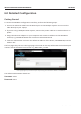
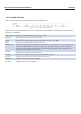
When you click on the Status » Routes tab, you would see the page that shows the routing rules
that are currently active on the device.
Figure 12: The Status » Routes page.
ARP
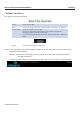
This address resolution protocol (ARP) table shows the IP address and corresponding
MAC address of each device on the network.
Active IPv4‐Routes This table shows the IPv4 gateway and network ID (Target) for each subnet.
System Log
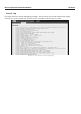
The status page shows system state changes and warning messages.
Figure 13: The Status » Routes page.