User manual


systems. As well, machines like this Acer should use a
“tilt-sensor” to determine the display orientation in order to
provide a “broadsheet” or “tabloid” view.
As well, anyone who provides an “online newspaper” platform
will need to make sure that people can subscribe to their papers
from any platform as long as the appropriate reading software is
in place and the software should be ported to many platforms
like Windows, MacOS Xand Android.
Then they could effectively challenge the iPad in providing an
online reading platform for books or newspapers.
Links
[1]
http://www.engadget.com/2010/05/20/acer-launches-11–6-inch-as
pire-timeline-1825pt-netvertible/
Product Review – Dell
Inspiron 13z notebook
computer
18/05/2010 05:44
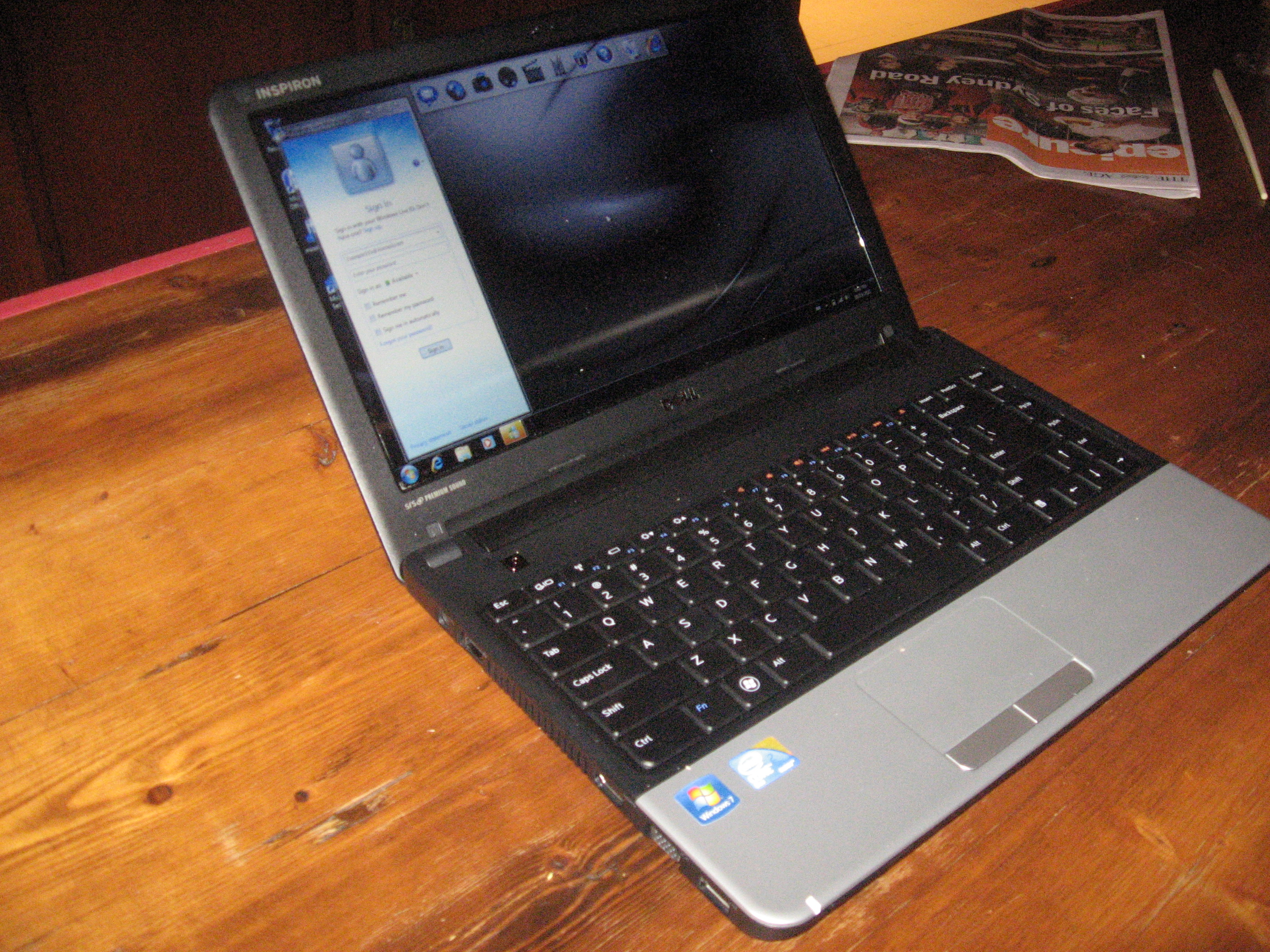
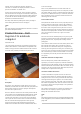
I am reviewing the Dell Inspiron 13z notebook computer which
would be best classed as a “subnotebook”or ultraportable. This
would be astep up from the netbook form factor and would suit
users who value portability and mainstream specifications.
[1]
Description
The Inspiron 13z is finished in asimilar manner to its current
stablemate, the Dell Studio 15 and has that same glossy black lid.
But the inside is based on atwo-tone styling for the keyboard
area with asilver palm-restarea.
This unit is based on an Intel Core Duo U7300 processor and the
review sample came with 4Gb RAM and 320Gb hard disk. Unlike
the Studio 15, this one had the hard disk partitioned out with
asystem space of 58.5Gb, arecovery space of 9.76Gb and the
rest as space for the user’s files. There is wireless functionality
that can work with Bluetooth peripherals or 802.11g Wi-Fi
networks. The model will be available at the Dell store with
500Gb for the hard disk rather than the 320Gb hard disk that is
in the review sample.
There is atray-load DVD burner and an SD card reader for
integrated removeable storage. There are 3USB ports, an audio
jack and the ability to connect an external display through either
aVGA port or an HDMI audio-video port. It also has, last but not
least, an Ethernet port for connection to Ethernet networks or
HomePlug powerline networks.
Tests and observations
The keyboard has worked well for accuracy especially when you
touch-type, although it may appear cramped. The trackpad is
very similar to the one that is part of the Dell Studio 15, where
the sensitive area is integrated in to the palm rest as arecess
and the two buttons being the only thing different from that area.
Like all the recent laptops that Ireviewed, this unit still requires
you to press Fn and the function key to gain access to the
function keys.
The screen does well on readability and you can get away with
typing for along time without being uncomfortable. It also work
properly with the colour, especially when working with still
photographs.
I have done the “DVD run-down”test on the battery which Ihave
done with the other laptops Ihave reviewed here. This was
donewith the unit in the default “Dell”power configuration to
avoid any power-saving functions cutting in. It was able to play
amovie for 1hour 37minutes with the wireless function enabled
and 10minutes longer without wireless enabled. It can also run
for asignificant part of the day on basic tasks without running
out ofpower.
Limitations and Points of Improvement
There will always be the problem with limited battery life
especially if you work the computer very hard with multimedia,
especially games or DVD playback. As well, the wireless-network
interface could be able to work with an 802.11n network, but you
may have to pay extra for this function. Other than that, there is
nothing much to complain about the laptop.
Conclusion and Placement Notes
I would recommend this computer for those of us who want
acompact laptop computer for travelling with and are likely to
make good use of it on our travels. Journalists and similar users
would appreciate it being the “right size” for use when taking
notes or preparing copy while “in the field”. The generous hard
disk and the integrated SD card reader can also be aboon when
it is used as astaging post for digital images or as ajukebox for
music while you travel.
But Iwouldn’t recommend it as acomputer for students to use
because there isn’t anything to protect it against excessive
damage like ahard-disk shock sensor.
Links
[1]
http://homenetworking01.info/wp-content/uploads/2010/05/2010–
05-18–004.jpg#utm_source=feed&utm_medium=feed&utm_cam
paign=feed
10