User manual


[2]
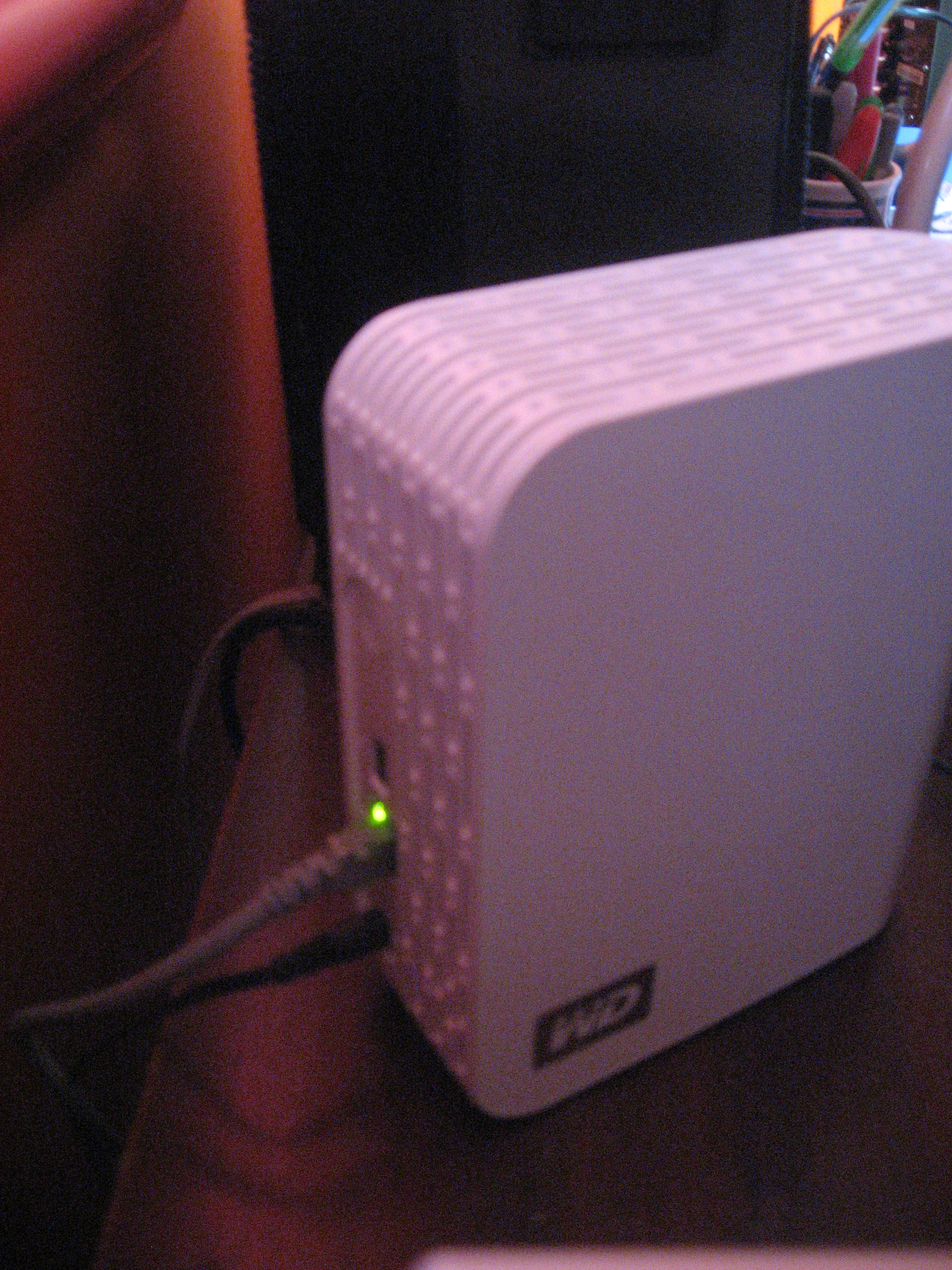
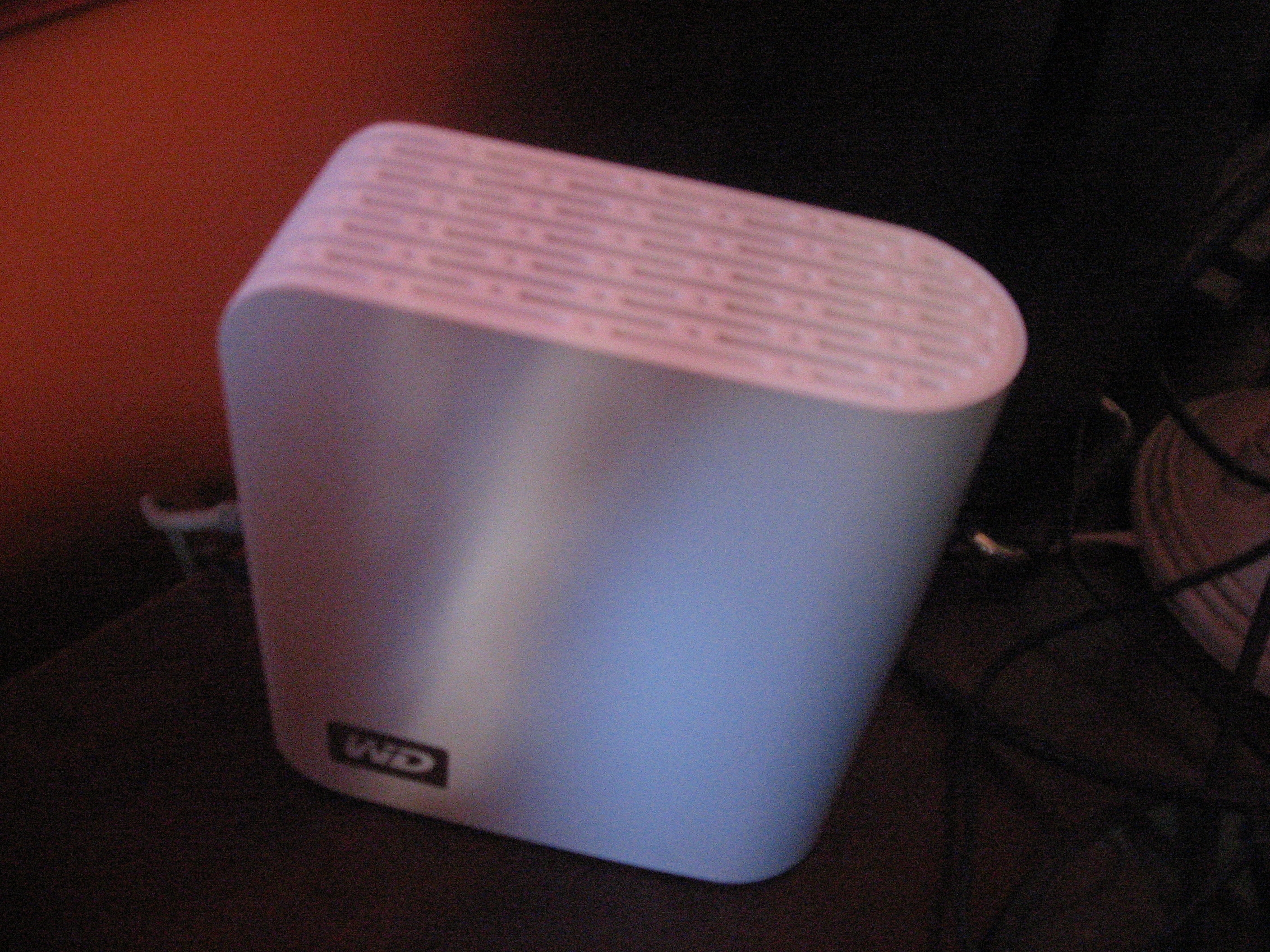
Ethernet connection to the WDNAS
Network functionality
It may be worth noting that Ihave run this unit on the latest
firmware and is awise practice to do whenever you buy these
units to make sure they run the latest firmware.
It can work with the common network file protocols like FTP and
SMB, but the Samba (SMB) server can’t handle credentials
situations where you have the same username and password as
one of the computers. As well, it isn’t easy to create aNAS share
with a “public read-only” access condition where you have to log
in to add or modify files on that share but anyone can read
thefiles.
There is support for “cloud backup” and “cloud remote access”
with WD’s MioNet cloud-based remote servers, but Ihaven’t
tried this feature outyet.
The main function that Ihave appreciated in this NAS is the
TwonkyMedia UPnP AV MediaServer function. This positions the
NAS as avery capable network media library that provisions the
media to standards-based media devices. It can also work as an
external media drive for iTunes-based media setups.
This has allowed for PC-free media serving where Icould play
“ripped” audio files on any of the Internet radios that Ihave
reviewed without needing to have the computer on. As well, it
has improved the reliability of my UPnP-based media experience
because the network hard disk is doing just that job of providing
the media rather than aPC that does this amongst other
activities. The UPnP functionality could be better supported by
working with other shares that can be set up as “public
read-only”, rather than just the “Public” share. It would then
increase its validity as amedia server in businesses where media
collections areat riskof unauthorised alteration.
Points of Improvement
As Ihave outlined in the review, Iwould like to make it easier to
provide “public read-only” shares which are able to be edited by
authorised users but the files can be viewed by anyone without
authentication and media files can simply be provided for
playback by UPnP devices. This can make it easier to share
media or other files across the network without fear of accidental
or malicious alteration or deletion.
There could be some finer control on the status LED by providing
for astatic “bar-graph” display that indicates how much disk
space has been used, or light-up only as a “distress signal” or if
the hard disk is in active service. This is so you can know what is
going on without that bright light staying on all thetime.
Summary and Placement Notes
I would suggest using this hard disk as a “simple network
backup” device or as adedicated UPnP media server device for
the home or small-business network. In the latter usage case,
these businesses could easily relegate this unit as asecondary
“media-server” NAS alongside their primary NAS that provides
regular network file-service functions and establish UPnP AV
/DLNA in their realms as Ihave talked about in aseparate
article.
Links
[1]
http://homenetworking01.info/wp-content/uploads/2010/05/2010–
05-11–001.jpg#utm_source=feed&utm_medium=feed&utm_cam
paign=feed
[2]
http://homenetworking01.info/wp-content/uploads/2010/05/2010–
05-11–002.jpg#utm_source=feed&utm_medium=feed&utm_cam
paign=feed
Product Review – OXX
Digital Classic DAB+
tabletop Internet radio
10/05/2010 06:20
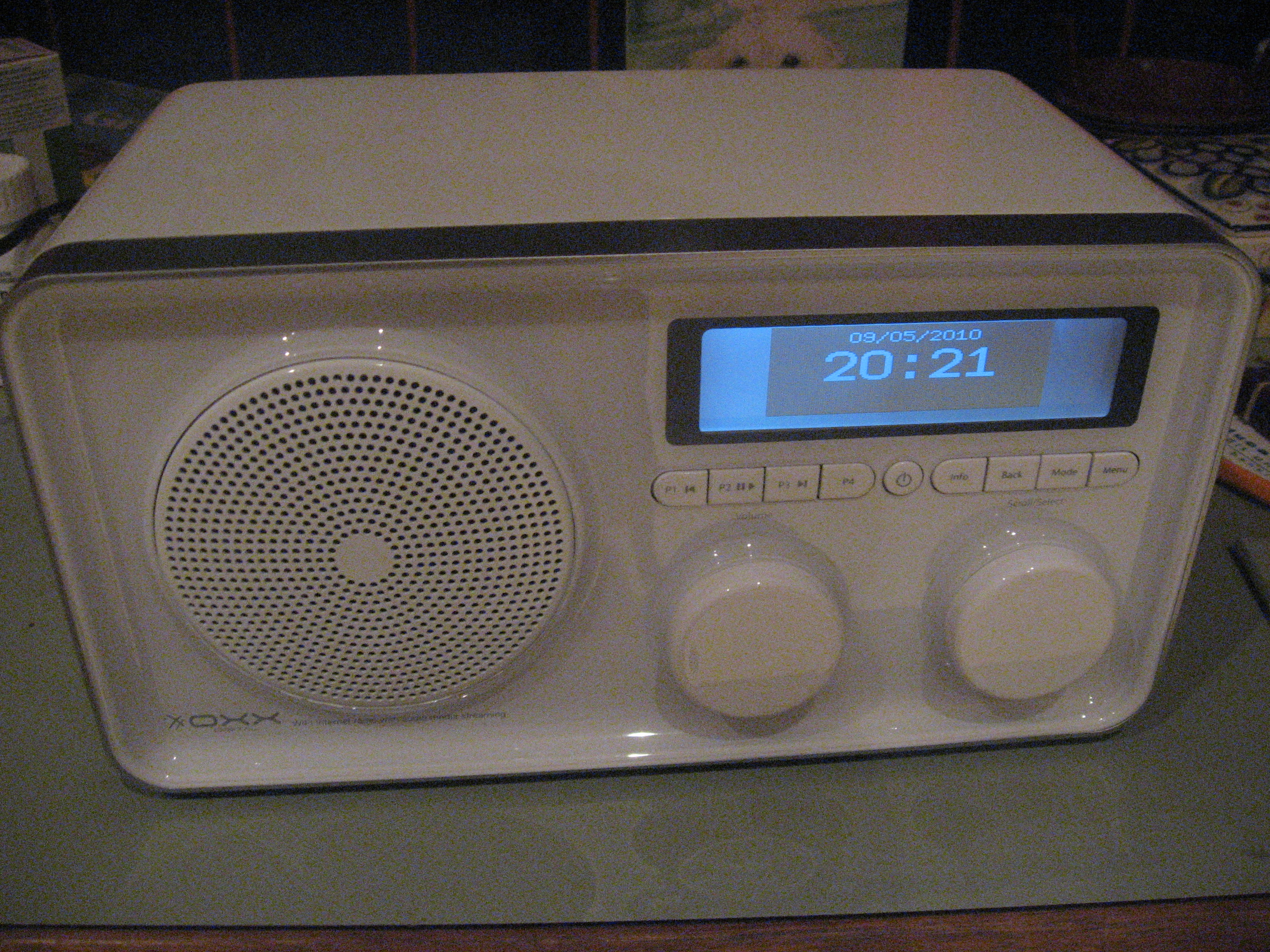
[1]I am reviewing another of the Internet radios that are in that
“mantel-radio” form factor like the Kogan Internet radio[2] that
17