User manual


[2]
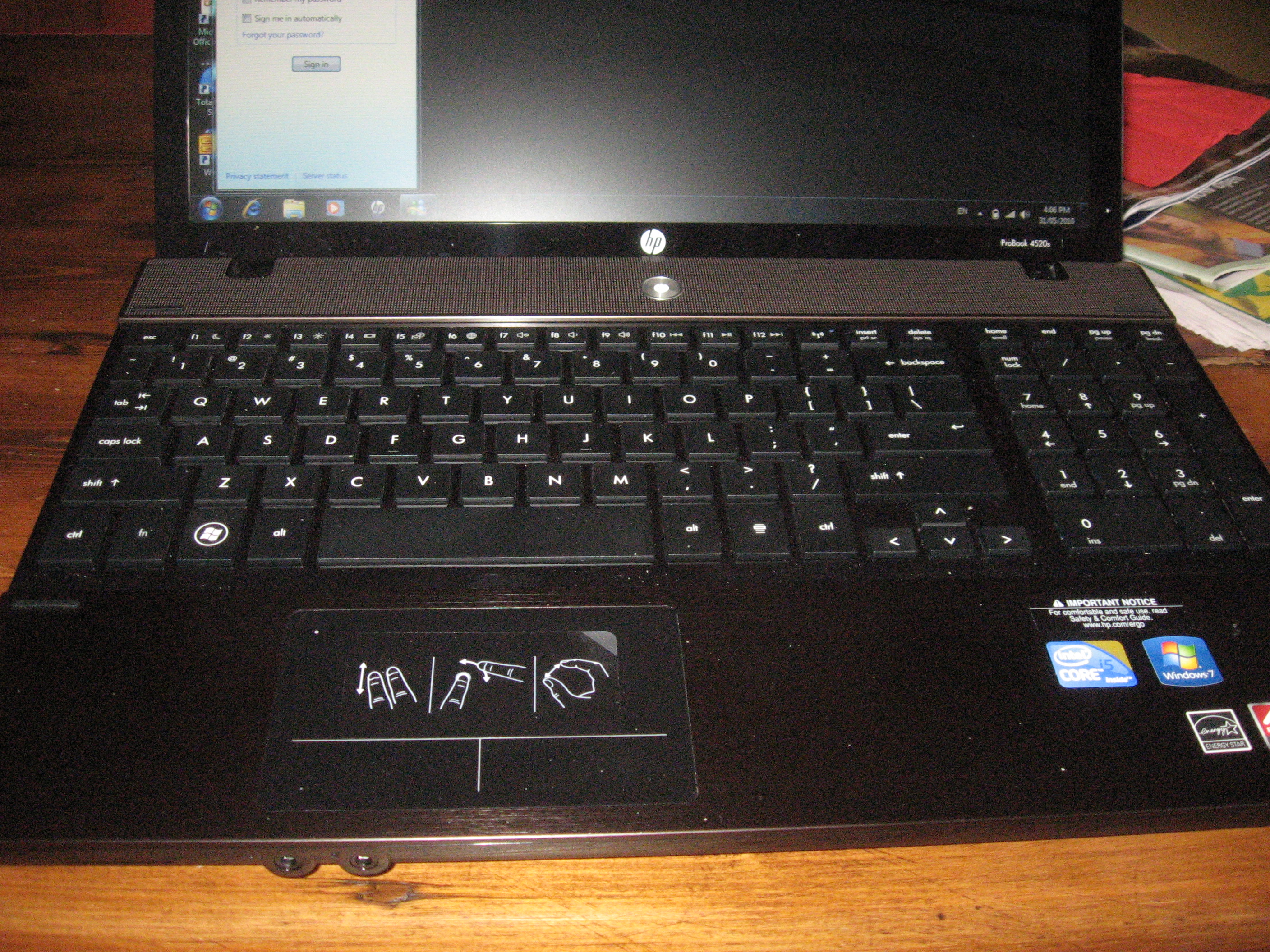
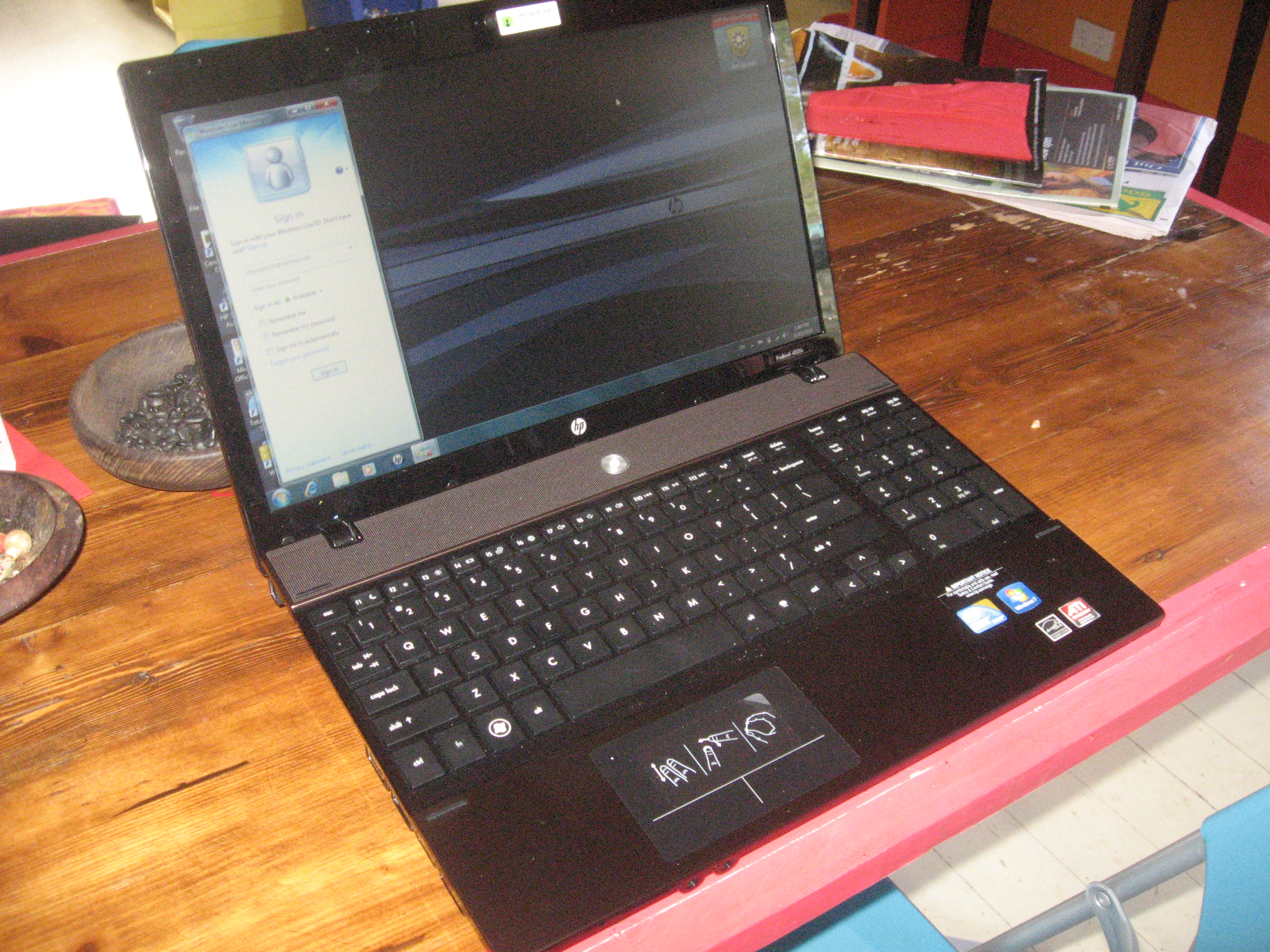
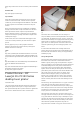
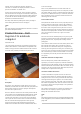
Laptop keyboard with numeric keypad
There is amulti-touch touchpad which may take some time to get
used to for people who haven’t used this kind of control before. It
has the primary and secondary buttons as part of the bottom
margin in the same way that the HP Envy has for its touchpad.
It is powered with the Intel Core i5 processor “engine” and is
supplied with 4Gb RAM with 1Gb set aside for display memory.
The graphics “engine” is ahighly-robust ATI Mobility Radeon HD
4350 series which would be good enough for most business
tasks, even video playback.
The secondary storage options are on apar with acurrent-issue
laptop of this class. It has a500Gb hard disk with 1.8Gb partition
for HP software. It also has atray-load DVD burner that can label
LightScribe optical discs and amemory-card reader for
removeable storage.
You also get good things when it comes to connectivity with
3USB ports and 1eSATA external-disk port as well as an
ExpressCard 34 slot for additional functionality. External
displays can be connected using aVGA or HDMI connector.
Business software complement
The operating system for this laptop is Windows 7Professional
which is the version of Windows or7 Iwould recommend and
have recommended in this blog for small business and
professional use. It has the features of Windows 7Home
Premium plus other features that make itbusiness-friendly.
The unit is supplied with avery good business software
complement with an inplace ready-to-enable distribution of
Microsoft Office Professional, McAfee Total Protection
web-managed desktop security software as well as WinZip 12.
Hewlett-Packard have also put in their own branded
system-protection tools which are developed by Digital Persona,
which provide password management, facial-recognition,
secure-erase, device-usage control amongst other things.
Observations and Ecperiences
The computer doesn’t run hot too quickly after extended periods
of use, thus allowing it to be comfortabie to use. If it gets hot, the
heat is passed out the left hand side rather than being felt on the
bottom of the machine.
Its battery has alump which can tilt the laptop up slightly also to
allow better cooling and comfortable use. This lump has arubber
ridge to protect the good dining-room table but the design could
extend to full width of battery for better protection
The extra-length battery that came with this machine allowed it
to complete afeature move on DVD with Wi-Fi and Bluetooth
enabled. Infact there was 41% of power available after the movie
was completed and these tests were done with Windows Media
Player playing “Munich” and the computer running on the
HP-defined default power configuration. This then would mean
that it could run along time without you needing to look for
apower
The other thing Ialso admired about this machine is that the
metal finish keeps its look even if it is well used unlike alot of
the glossy finishes used on laptops that attract fingermarks and
the like. It also feels cool to handle and is the kind of finish that
would cope with long-timeuse.
Limitations and Points Of Improvement
The main limitation with this computer is that it is too heavy for
frequent public-transport travel, which may cut it out for
frequent air travellers. Some people may find that the long-run
battery’s large size and lump may be alimitation for packing and
could be improved with abattery that is more cell-dense.
Other than that, there aren’t any other limitations that would
impact on its positioning as abusiness-home home laptop
computer.
Conclusion and Placement Notes
I would recommend this as abusiness-home laptop or desktop
replacement for professionals and small-business operators who
are likely to take the unit between home and their place of work.
It also comes with business-grade security software that is
available at prices and licensing quantities that small business
can stomach.
Links
[1]
http://homenetworking01.info/wp-content/uploads/2010/05/2010–
05-31–001.jpg#utm_source=feed&utm_medium=feed&utm_cam
paign=feed
[2]
http://homenetworking01.info/wp-content/uploads/2010/05/2010–
05-31–002-Copy.jpg#utm_source=feed&utm_medium=feed&utm
_campaign=feed
Heads-up: Google Chrome is
now at version 5.0
27/05/2010 16:28
Articles
Chrome 5.0en version finale | Le Journal du Geek[1] (France –
French language)
Google veröffentlicht Chrome 5für Windows, Mac OS und Linux |
Der Standard[2] (Austria – German language)
2