
User Manual Part 2

CY8CKIT-042-BLE Bluetooth® Low Energy (BLE) Pioneer Kit Guide, Doc. # 001-93731 Rev. *A 164
Advanced Topics
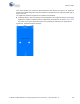
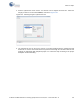
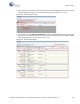
3. If the connection is successful, you will see another tab opening besides the Master tab. This tab
provides options with respect to the connected BLE device, as shown in Figure 6-65.
Figure 6-65. Connected Device Tab
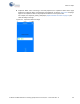
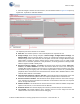
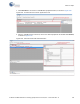
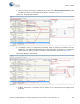
4. On the device tab, click
Discover All Attributes to find the supported attributes by the connected
BLE device. This action populates the list of services and characteristics in the Attribute window
along with their values, if any, as shown in Figure 6-66.
Figure 6-66. Discover All Attributes