
User manual
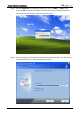
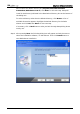
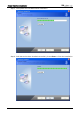
Table Of Contents
- DOP eServer User Manual-cover.pdf
- DELTA_IA-HMI_DOP-eServer_UM_EN_20140707
- Table of Contents
- Publication History
- Chapter 1 Introduction
- Chapter 2 Software Installation
- Chapter 3 Before using eServer
- Chapter 4 Excel Sampling Setting
- Chapter 5 Writing Data in Microsoft Excel
- Chapter 6 ODBC Sampling Setting
- Chapter 7 Writing Data in Microsoft Access 2003 at XP Operating System
- Chapter 8 Writing Data in Microsoft Access 2007 at Windows 7
- Chapter 9 Writing Data in MySQL
- Chapter 10 Writing Data in SQL Server 2005
- Chapter 11 Writing Data in Oracle
- Chapter 12 Recipe Access Setting
- Chapter 13 Recipe Access Example
- Appendix A Upload & Download via Ethernet
Chapter 2 Software Installation
Revision March, 2014 2-3
Wlv To select the default directory C: \Program Files\Delta Industrial
Automation\DOP eServer 1.00.xx, click Next> for the next step. Setup will
install in the directory indicated in the Destination Directory box at the bottom of
the dialog box.
To select a directory other than the default directory, click Browse. A list of
available directories appears. Highlight the desired directory for the Delta
eServer and click OK, then Next> for the next step.
If necessary, click < Back button to take you back through Setup dialog boxes
one by one.
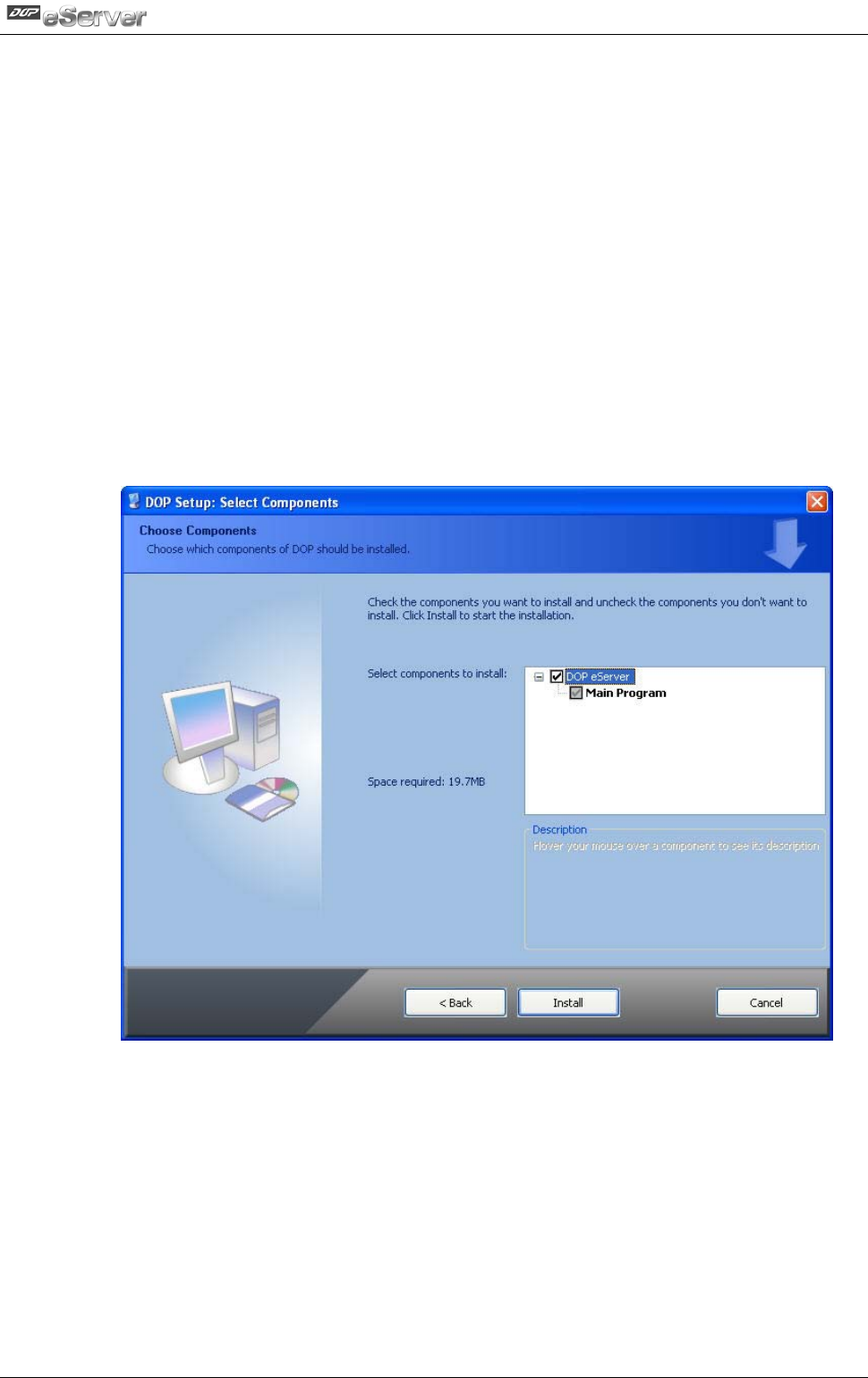
Step 4. After pressing Next, the following dialog box will appear and ask the users to
select the installation software, i.e. DOP eServer. Then click Install button to
start DOP eServer installation.