
User manual
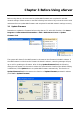
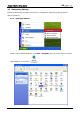
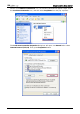
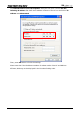
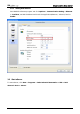
Table Of Contents
- DOP eServer User Manual-cover.pdf
- DELTA_IA-HMI_DOP-eServer_UM_EN_20140707
- Table of Contents
- Publication History
- Chapter 1 Introduction
- Chapter 2 Software Installation
- Chapter 3 Before using eServer
- Chapter 4 Excel Sampling Setting
- Chapter 5 Writing Data in Microsoft Excel
- Chapter 6 ODBC Sampling Setting
- Chapter 7 Writing Data in Microsoft Access 2003 at XP Operating System
- Chapter 8 Writing Data in Microsoft Access 2007 at Windows 7
- Chapter 9 Writing Data in MySQL
- Chapter 10 Writing Data in SQL Server 2005
- Chapter 11 Writing Data in Oracle
- Chapter 12 Recipe Access Setting
- Chapter 13 Recipe Access Example
- Appendix A Upload & Download via Ethernet
Revision March, 2014 3-1
Chapter 3 Before Using eServer
Before using eServer, the users need to update HMI firmware and complete PC and HMI
network settings. Please ensure to read the following instructions fully so that the users could
understand how to update HMI firmware and complete PC and HMI network settings correctly.
3.1 Update Firmware
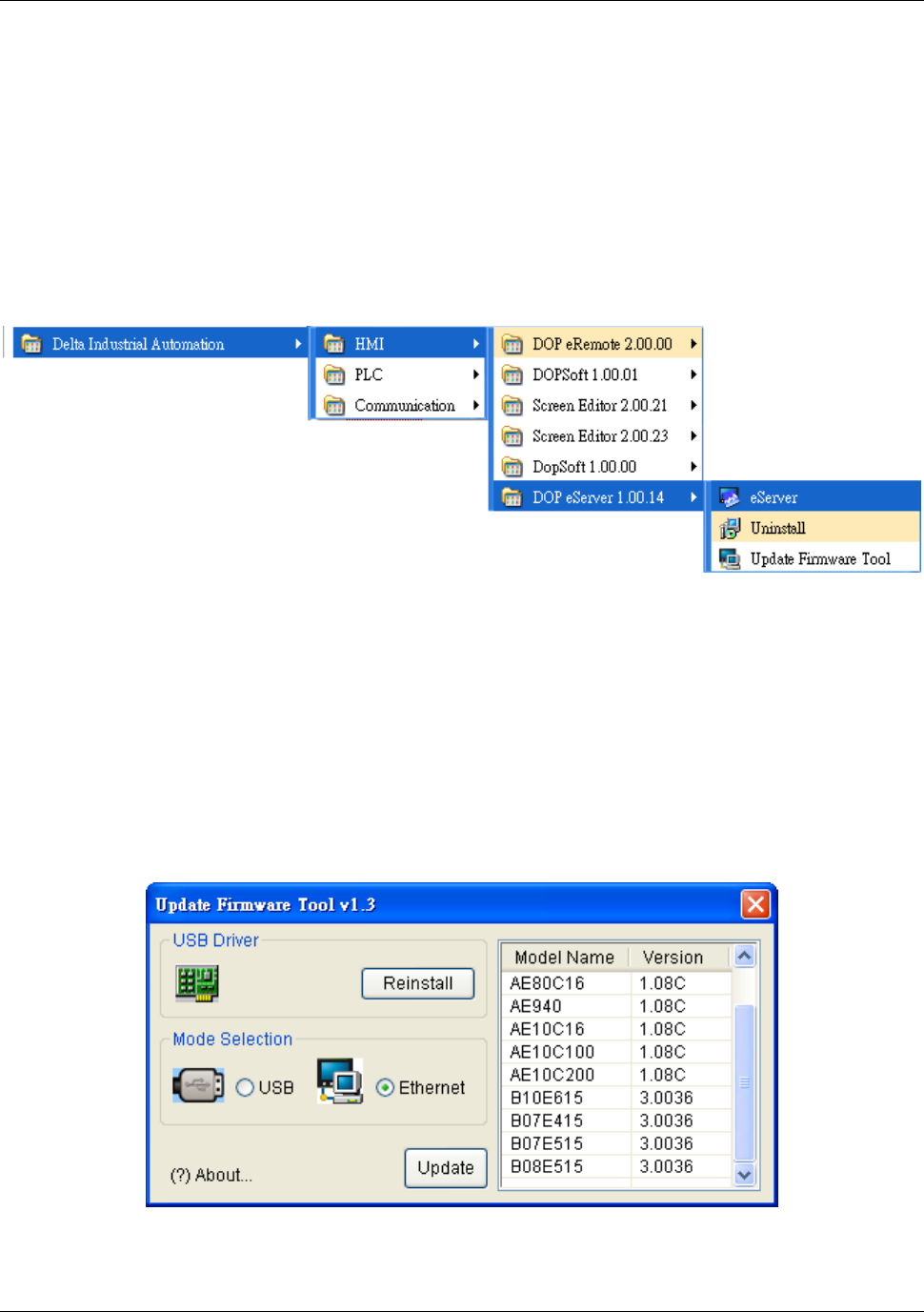
Remember to update the firmware before using eServer. To select this function, click Start >
Programs > Delta Industrial Automation > HMI > DOP eServer 1.00.xx > Update
Firmware Tool.
The system will detect if the HMI firmware is the same as the firmware included in eServer. If
the HMI firmware is older than the firmware included in eServer, a warning message will pop
up to ask for updating the firmware. After clicking Update Firmware Tool, the following
dialog box will appear for the users to select the communication interface (the default setting
is USB driver). Press Update button to update HMI firmware automatically. The function of
Update Firmware Tool is the same as the function of Update Firmware provided in eServer
(click Tool > Update Firmware).