
User manual
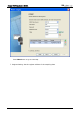
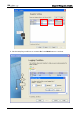
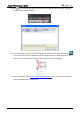
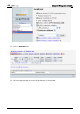
Table Of Contents
- DOP eServer User Manual-cover.pdf
- DELTA_IA-HMI_DOP-eServer_UM_EN_20140707
- Table of Contents
- Publication History
- Chapter 1 Introduction
- Chapter 2 Software Installation
- Chapter 3 Before using eServer
- Chapter 4 Excel Sampling Setting
- Chapter 5 Writing Data in Microsoft Excel
- Chapter 6 ODBC Sampling Setting
- Chapter 7 Writing Data in Microsoft Access 2003 at XP Operating System
- Chapter 8 Writing Data in Microsoft Access 2007 at Windows 7
- Chapter 9 Writing Data in MySQL
- Chapter 10 Writing Data in SQL Server 2005
- Chapter 11 Writing Data in Oracle
- Chapter 12 Recipe Access Setting
- Chapter 13 Recipe Access Example
- Appendix A Upload & Download via Ethernet
Chapter 9 Writing Data in MySQL
9-26 Revision March, 2014
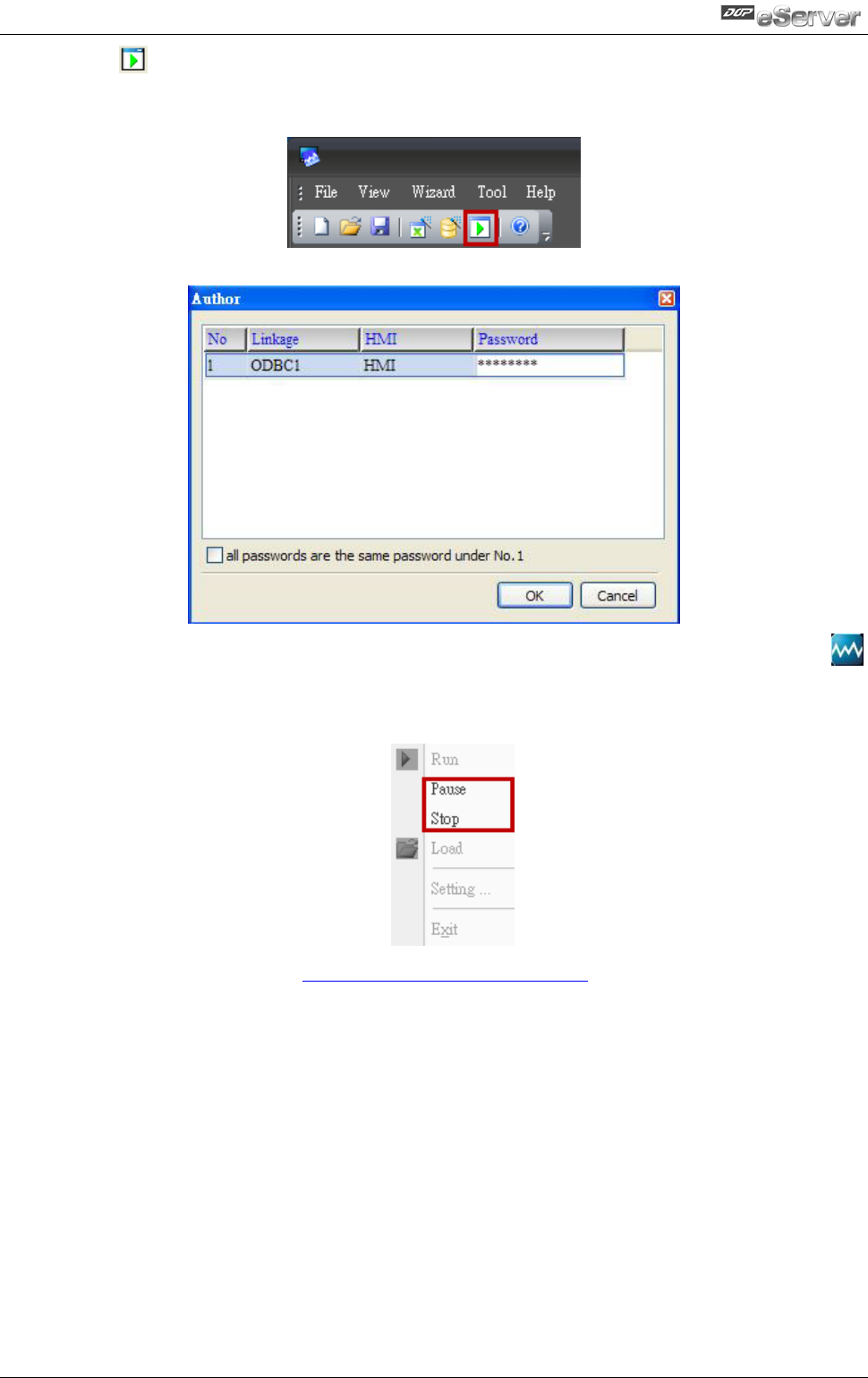
9. Press icon. After the password is entered, the system will start sampling operation,
i.e. writing data in MySQL Server.
10. If the users want to pause or stop the sampling operation, only right-click eServer
icon at the bottom right of Windows screen and select Pause or Stop option from the
pop-up menu, the sampling operation will pause and stop immediately.
11. Open the browser, type:
http://localhost/phpMyAdmin/, and select the test database
from the Database drop-down menu.