
User manual
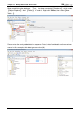
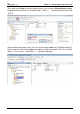
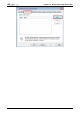
Table Of Contents
- DOP eServer User Manual-cover.pdf
- DELTA_IA-HMI_DOP-eServer_UM_EN_20140707
- Table of Contents
- Publication History
- Chapter 1 Introduction
- Chapter 2 Software Installation
- Chapter 3 Before using eServer
- Chapter 4 Excel Sampling Setting
- Chapter 5 Writing Data in Microsoft Excel
- Chapter 6 ODBC Sampling Setting
- Chapter 7 Writing Data in Microsoft Access 2003 at XP Operating System
- Chapter 8 Writing Data in Microsoft Access 2007 at Windows 7
- Chapter 9 Writing Data in MySQL
- Chapter 10 Writing Data in SQL Server 2005
- Chapter 11 Writing Data in Oracle
- Chapter 12 Recipe Access Setting
- Chapter 13 Recipe Access Example
- Appendix A Upload & Download via Ethernet
Chapter 10
Writing Data in SQL Server 2005
Revision March, 2014 10-25
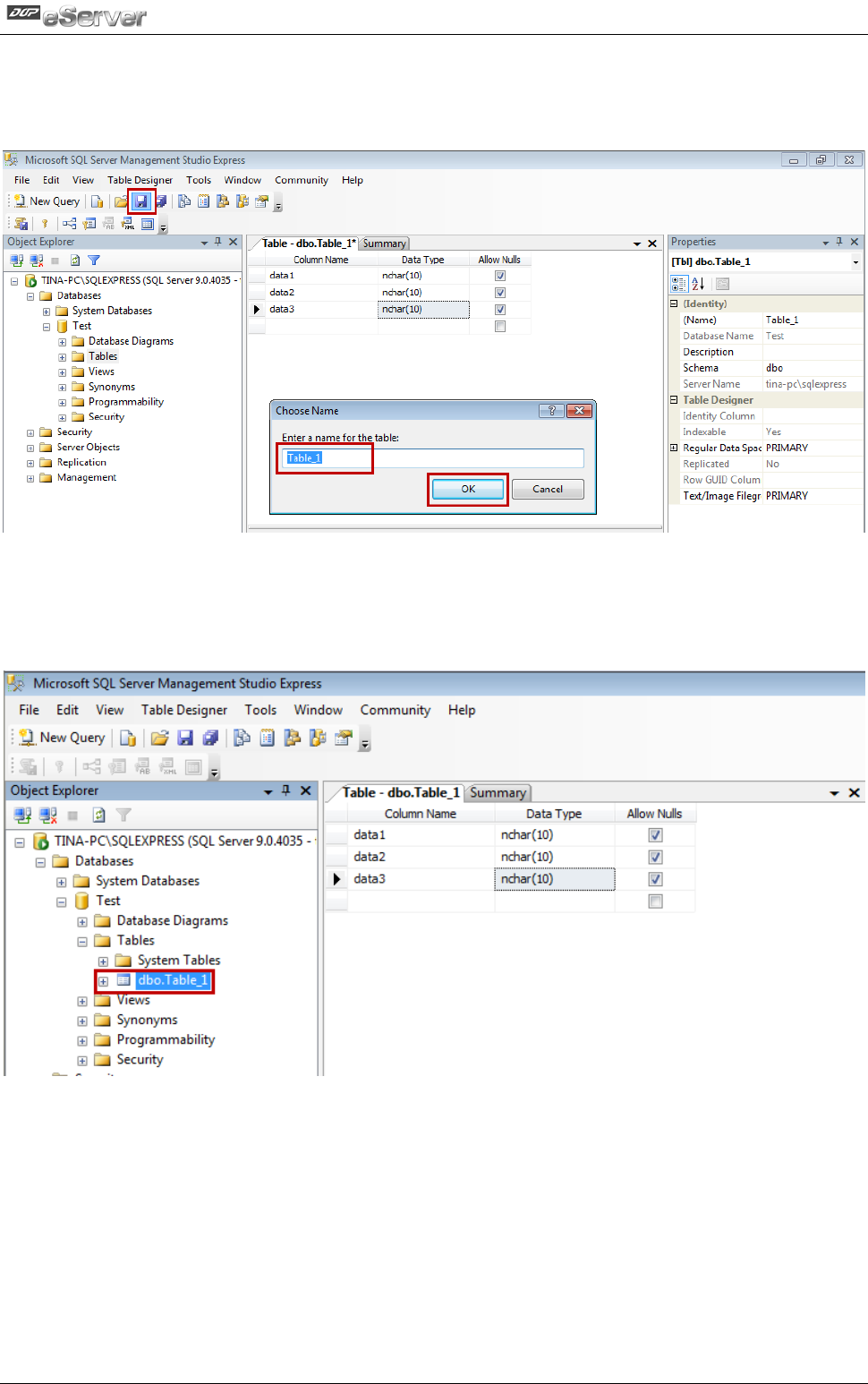
Then, please click Save to save the column name, see as below. A Choose Name dialogue
will pop up at the moment. This example shows『Table_1』. After entering the name, click
【OK】.
After establishing the data sheet, users can see the newly added one in【Object Explorer】.
Please note that, “dbo” will be added as the prefix in front of the name. Thus, if it is named
Table_1, users will see 『dbo.Table_1』 in【Object Explorer】.