
User manual
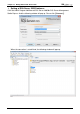
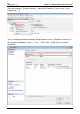
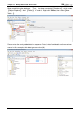
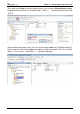
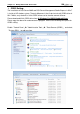
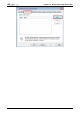
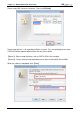
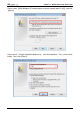
Table Of Contents
- DOP eServer User Manual-cover.pdf
- DELTA_IA-HMI_DOP-eServer_UM_EN_20140707
- Table of Contents
- Publication History
- Chapter 1 Introduction
- Chapter 2 Software Installation
- Chapter 3 Before using eServer
- Chapter 4 Excel Sampling Setting
- Chapter 5 Writing Data in Microsoft Excel
- Chapter 6 ODBC Sampling Setting
- Chapter 7 Writing Data in Microsoft Access 2003 at XP Operating System
- Chapter 8 Writing Data in Microsoft Access 2007 at Windows 7
- Chapter 9 Writing Data in MySQL
- Chapter 10 Writing Data in SQL Server 2005
- Chapter 11 Writing Data in Oracle
- Chapter 12 Recipe Access Setting
- Chapter 13 Recipe Access Example
- Appendix A Upload & Download via Ethernet
Chapter 10
Writing Data in SQL Server 2005
10-26 Revision March, 2014
ODBC Setting:
The installation of SQL Server 2005 and SQL Server Management Studio Express in Win 7
is similar to XP window system. The only difference is that, if desire to install ODBC driver in
Win 7 64bits, only the built-in 32-bit ODBC driver can be used to connect eServer.
Please download 32-bit ODBC driver from C:\Windows\SysWOW64\odbcad32.exe.
Please copy the above link and execute the program. Refer to the following description for
ODBC setting.
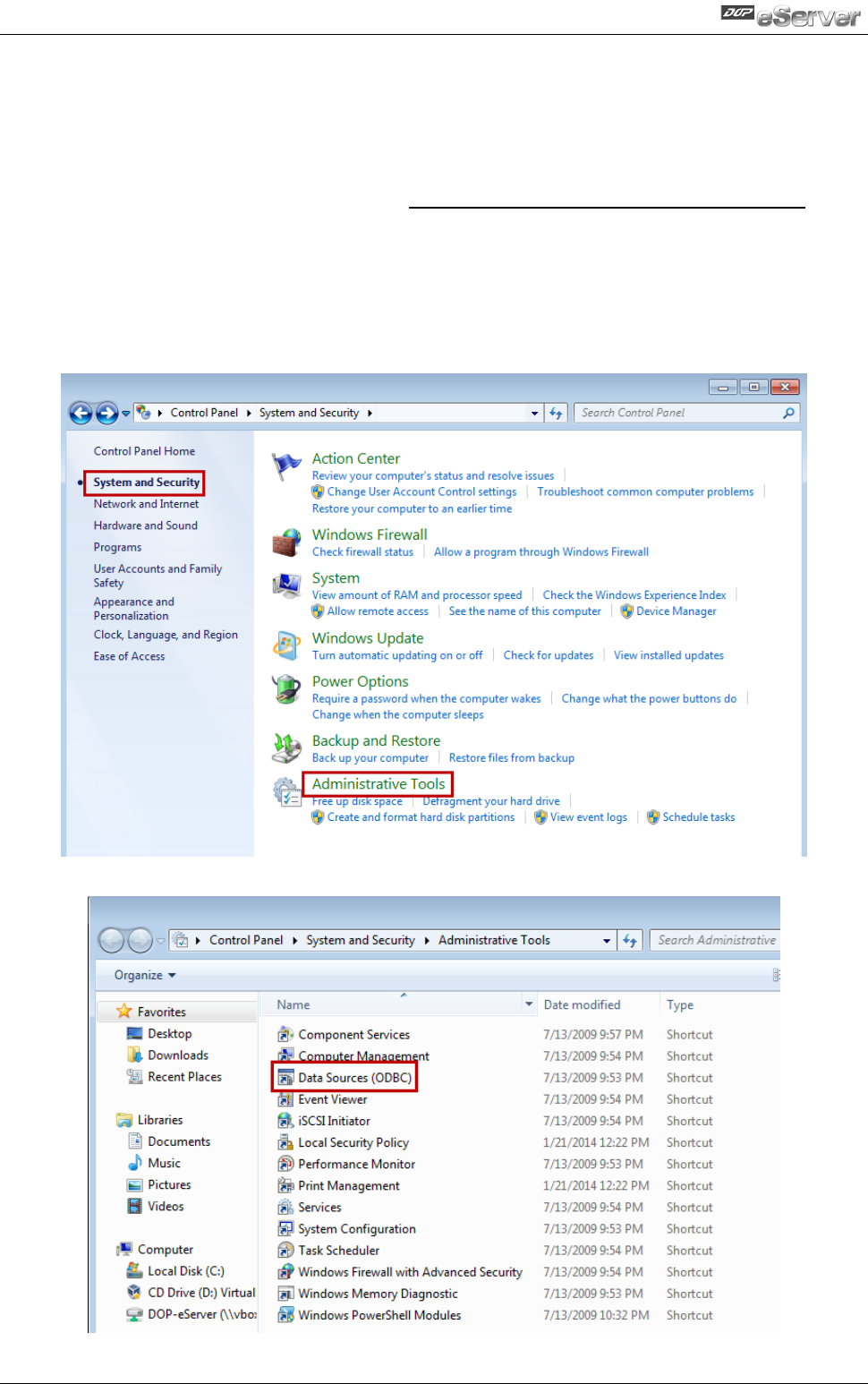
Enable『Control Panel』『Administrative Tools』『Data Sources (ODBC)』 and select
『System DSN』 to add new item.