
User manual
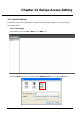
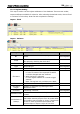
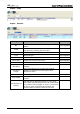
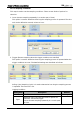
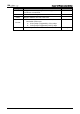

Table Of Contents
- DOP eServer User Manual-cover.pdf
- DELTA_IA-HMI_DOP-eServer_UM_EN_20140707
- Table of Contents
- Publication History
- Chapter 1 Introduction
- Chapter 2 Software Installation
- Chapter 3 Before using eServer
- Chapter 4 Excel Sampling Setting
- Chapter 5 Writing Data in Microsoft Excel
- Chapter 6 ODBC Sampling Setting
- Chapter 7 Writing Data in Microsoft Access 2003 at XP Operating System
- Chapter 8 Writing Data in Microsoft Access 2007 at Windows 7
- Chapter 9 Writing Data in MySQL
- Chapter 10 Writing Data in SQL Server 2005
- Chapter 11 Writing Data in Oracle
- Chapter 12 Recipe Access Setting
- Chapter 13 Recipe Access Example
- Appendix A Upload & Download via Ethernet
Chapter 12 Recipe Access Setting
12-6 Revision March, 2014
12.1.3 Sampling Conditions
This step is used to set the sampling conditions. There are two kinds of options for
selection:
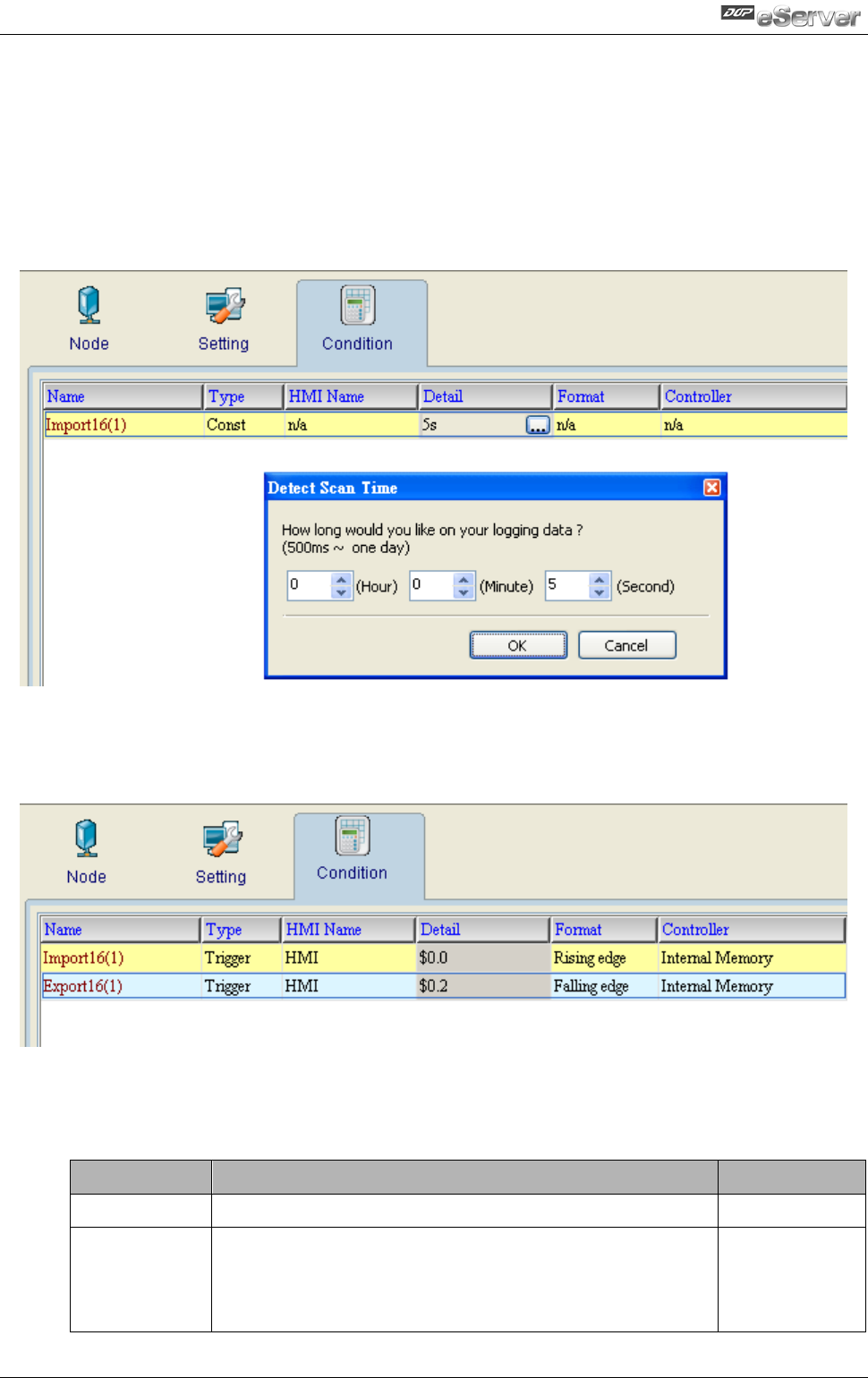
1. Const (execute sampling repeatedly in a certain span of time)
This option is used to determine how long the sampling process is repeated. The time
unit can be defined as second, minute or hour.
2. Trigger (Execute sampling when the trigger conditions are satisfied)
This option is used to determine how long the sampling process is repeated when the
trigger conditions are met. The detailed settings are described as follows:
Polling Cycle (Sampling Cycle): It is used to determine how long the sampling process
is repeated. The time unit is ms.
Logging Condition:
Setting Item
Description
Remark
No.
Condition number
Unchangeable
Type
Sampling type. There are two kinds of options for
selection: Const and Trigger.
Const: Execute sampling repeatedly in a certain span
of time.