
User manual
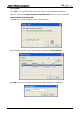
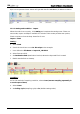
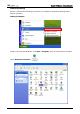
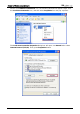
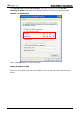

Table Of Contents
- DOP eServer User Manual-cover.pdf
- DELTA_IA-HMI_DOP-eServer_UM_EN_20140707
- Table of Contents
- Publication History
- Chapter 1 Introduction
- Chapter 2 Software Installation
- Chapter 3 Before using eServer
- Chapter 4 Excel Sampling Setting
- Chapter 5 Writing Data in Microsoft Excel
- Chapter 6 ODBC Sampling Setting
- Chapter 7 Writing Data in Microsoft Access 2003 at XP Operating System
- Chapter 8 Writing Data in Microsoft Access 2007 at Windows 7
- Chapter 9 Writing Data in MySQL
- Chapter 10 Writing Data in SQL Server 2005
- Chapter 11 Writing Data in Oracle
- Chapter 12 Recipe Access Setting
- Chapter 13 Recipe Access Example
- Appendix A Upload & Download via Ethernet
Chapter 13 Recipe Access Example
Revision March, 2014 13-13
Networking Settings
Ensure to observe the following instructions to complete PC networking settings before
eServer operation.
Setting PC Network
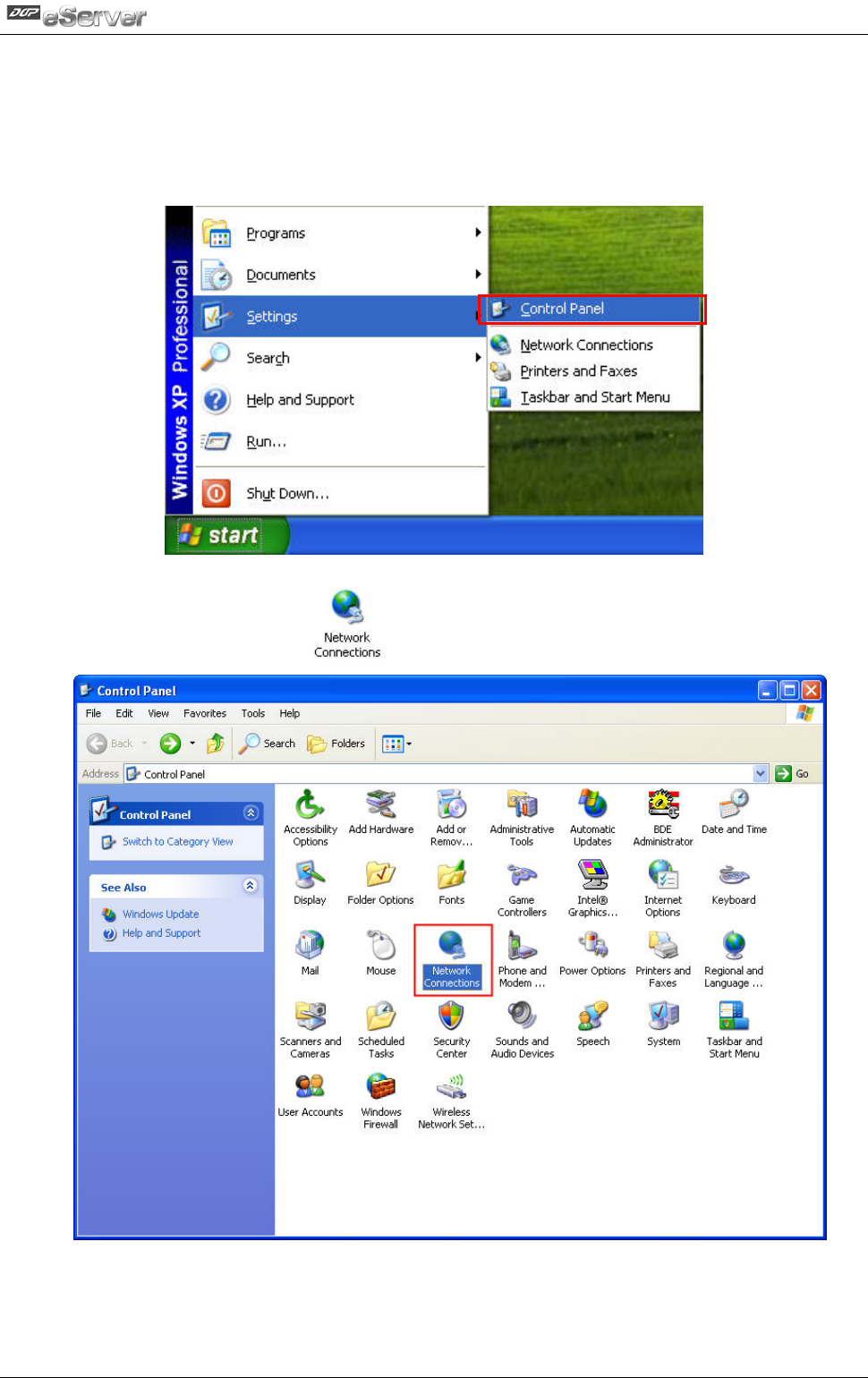
Power on PC and start Windows. Click Start > Programs, point to Control Panel, and then
select Network Connections ( ).
Double-click Network Connections icon, the following windows will appear. Right-click
the Local Area Connection icon, and then select Properties from the pop-up menu.