
User manual

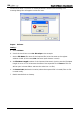
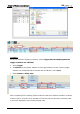
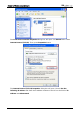
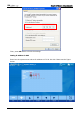
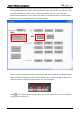
Table Of Contents
- DOP eServer User Manual-cover.pdf
- DELTA_IA-HMI_DOP-eServer_UM_EN_20140707
- Table of Contents
- Publication History
- Chapter 1 Introduction
- Chapter 2 Software Installation
- Chapter 3 Before using eServer
- Chapter 4 Excel Sampling Setting
- Chapter 5 Writing Data in Microsoft Excel
- Chapter 6 ODBC Sampling Setting
- Chapter 7 Writing Data in Microsoft Access 2003 at XP Operating System
- Chapter 8 Writing Data in Microsoft Access 2007 at Windows 7
- Chapter 9 Writing Data in MySQL
- Chapter 10 Writing Data in SQL Server 2005
- Chapter 11 Writing Data in Oracle
- Chapter 12 Recipe Access Setting
- Chapter 13 Recipe Access Example
- Appendix A Upload & Download via Ethernet
Chapter 13 Recipe Access Example
Revision March, 2014 13-27
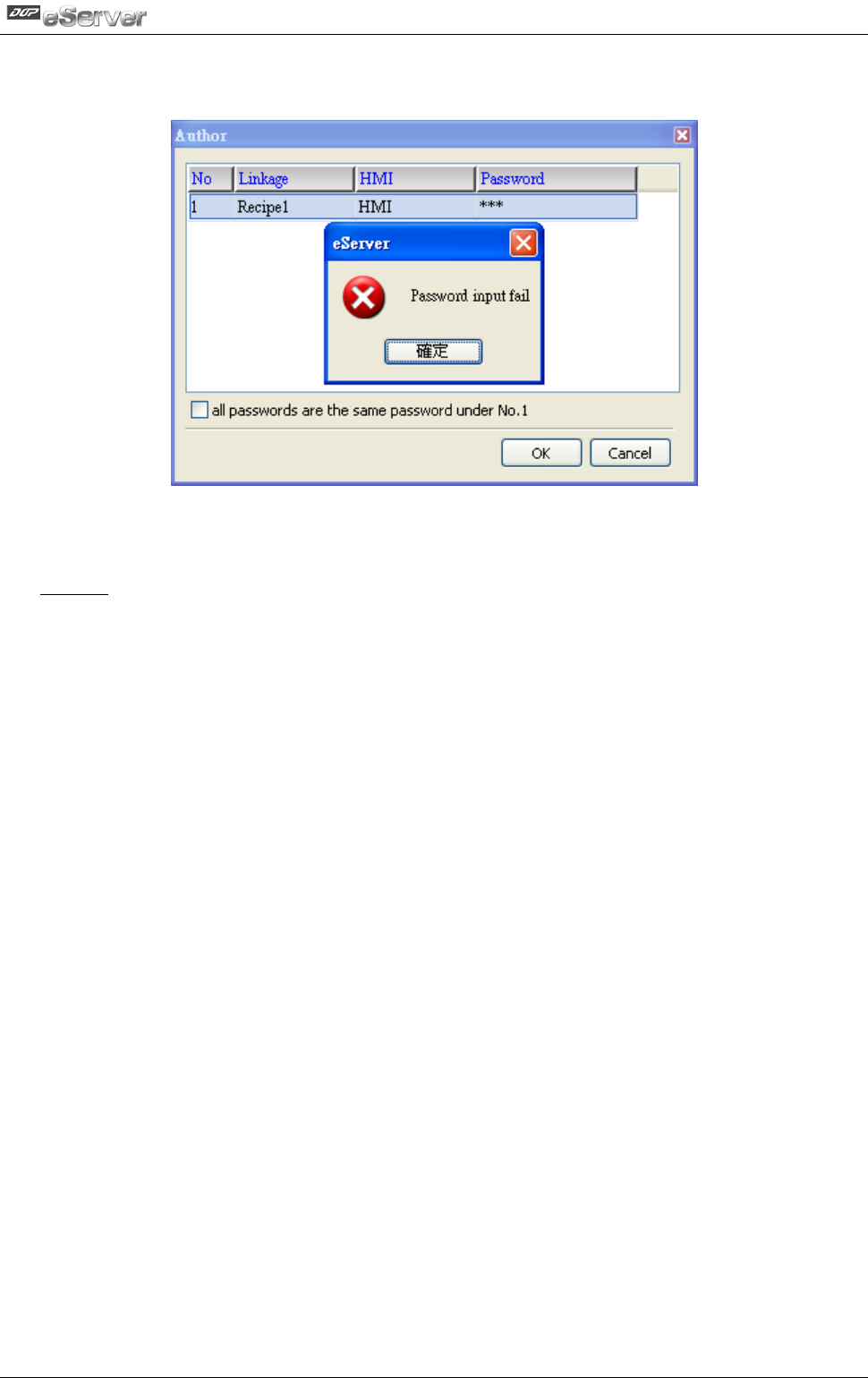
On the other hand, if incorrect or invalid password is entered, the following error
message dialog box will appear to alert the users.
Export - Variance
Setting
a. Select Variance.
:
b. Check the check box to use 16-bit recipe as the example.
c. Set the File Name (file name of the imported file) to be the same as the register
address of HMI. (In this case $100 character input element is used.)
d. Set File Name Length (number of the imported characters). (In this case the File Name
Length is set to 4. This is because the name of the exported file is Tina.csv. This file
will be open in Screen Editor and save the value into .csv file.)
e. Set Source Path (destination location) where the exported file is located (Tina.csv file
is saved in C:\).
f. Enable Auto Refresh on Startup