
User manual
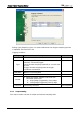
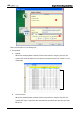
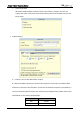
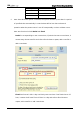
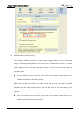
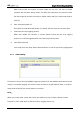
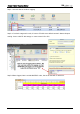
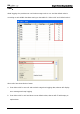
Table Of Contents
- DOP eServer User Manual-cover.pdf
- DELTA_IA-HMI_DOP-eServer_UM_EN_20140707
- Table of Contents
- Publication History
- Chapter 1 Introduction
- Chapter 2 Software Installation
- Chapter 3 Before using eServer
- Chapter 4 Excel Sampling Setting
- Chapter 5 Writing Data in Microsoft Excel
- Chapter 6 ODBC Sampling Setting
- Chapter 7 Writing Data in Microsoft Access 2003 at XP Operating System
- Chapter 8 Writing Data in Microsoft Access 2007 at Windows 7
- Chapter 9 Writing Data in MySQL
- Chapter 10 Writing Data in SQL Server 2005
- Chapter 11 Writing Data in Oracle
- Chapter 12 Recipe Access Setting
- Chapter 13 Recipe Access Example
- Appendix A Upload & Download via Ethernet
Chapter 4 Excel Sampling Setting
4-14 Revision March, 2014
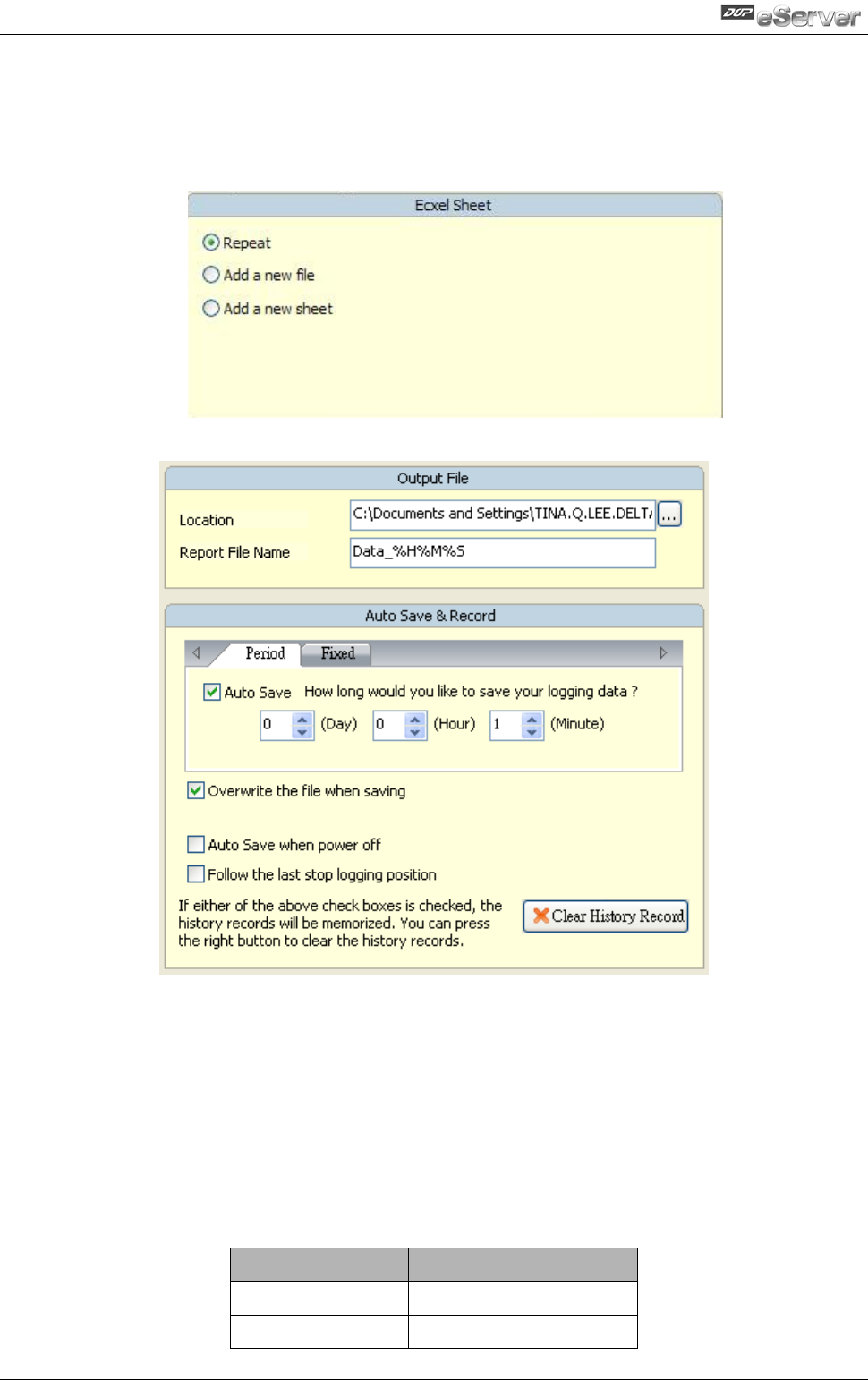
C. Add a new sheet
When the sampling data has been filled in the selection range to the full, the
system will open a new Excel sheet automatically and write the data into the new
Excel sheet.
2. Output Setting
A. Location: Choose file destination location.
B. Report File Name: Specify the name of the report file. The users can add the date
and time in the end of the file name. The format of the date and time is specified by a
string of characters which can be user-defined and changed freely. Please refer to the
table below for the string representation.
String Format
Representation
%m
Month
%d
Date