
User manual
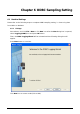
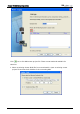
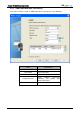
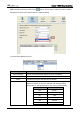
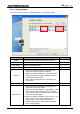
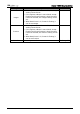
Table Of Contents
- DOP eServer User Manual-cover.pdf
- DELTA_IA-HMI_DOP-eServer_UM_EN_20140707
- Table of Contents
- Publication History
- Chapter 1 Introduction
- Chapter 2 Software Installation
- Chapter 3 Before using eServer
- Chapter 4 Excel Sampling Setting
- Chapter 5 Writing Data in Microsoft Excel
- Chapter 6 ODBC Sampling Setting
- Chapter 7 Writing Data in Microsoft Access 2003 at XP Operating System
- Chapter 8 Writing Data in Microsoft Access 2007 at Windows 7
- Chapter 9 Writing Data in MySQL
- Chapter 10 Writing Data in SQL Server 2005
- Chapter 11 Writing Data in Oracle
- Chapter 12 Recipe Access Setting
- Chapter 13 Recipe Access Example
- Appendix A Upload & Download via Ethernet
Chapter 6 ODBC Sampling Setting
6-4 Revision March, 2014
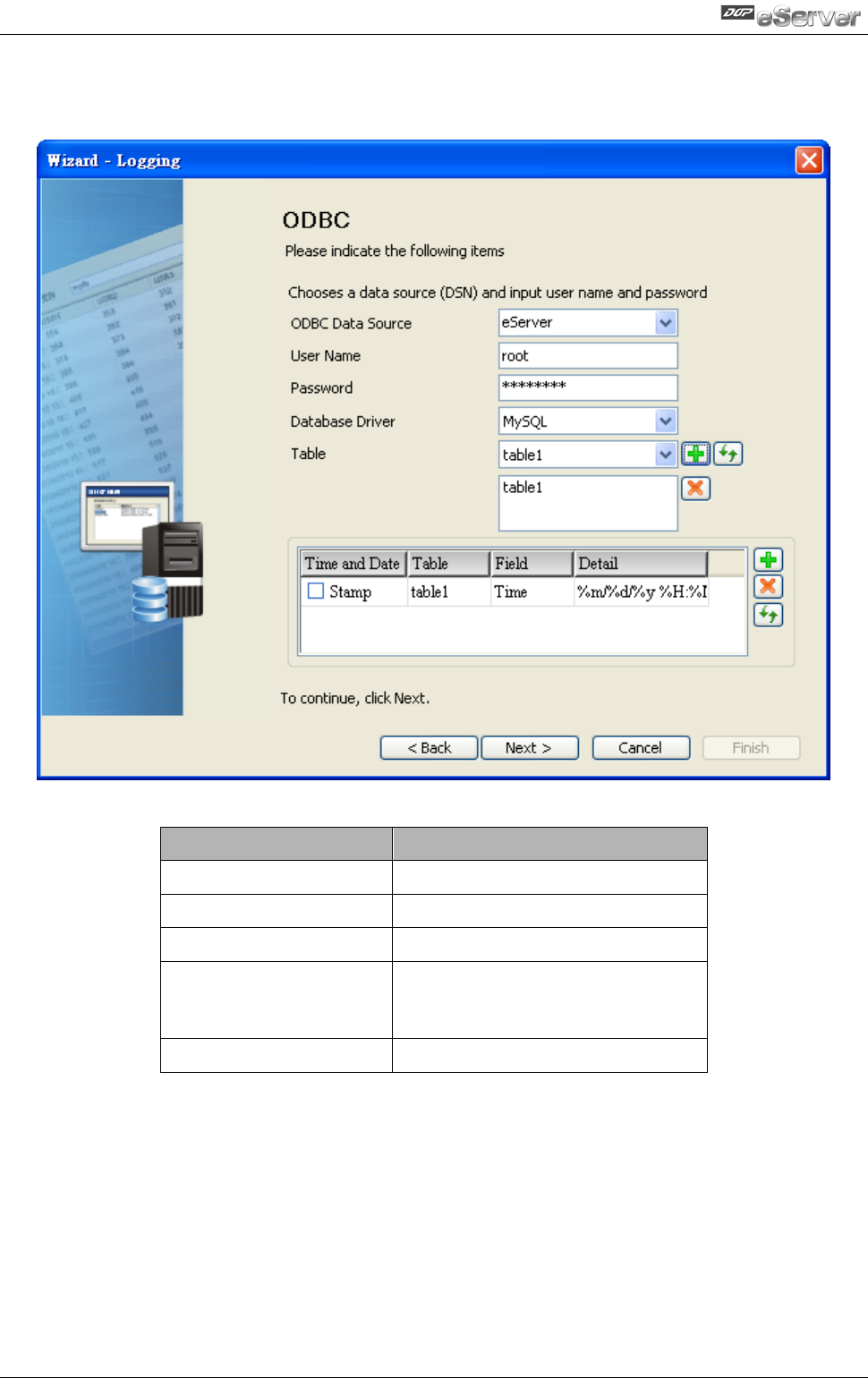
6.1.2 ODBC (Open Data Base Connectivity)
This step is used to create an ODBC Data Source pointing to your database.
Item
Explanation
ODBC Data Source
Name of ODBC Data Source
User Name
Login Username
Password
Login Password
Database Driver
Select wanted connection
Database, like MySQL, SQL
Server and Oracle.
Table
Name of Sampling Data Table