Nanao LCD Monitor User's Manual
Manuals
Brands
Eizo Manuals
Monitor
EIZO FlexScan L330
31
32
33
34
35
36
37
38
39
40
English
40
4.
ADDIN
G & CHANGING
A
CONNETION NAME
In Use of the IC
A pr
otocol
1.
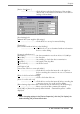
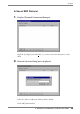
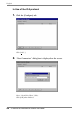
Click the [Configure] tab.
Click [A
dd...].
2.
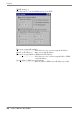
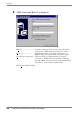
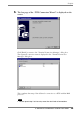
“New Connection” dialog box is displayed on the screen.
Select “Citrix ICA Client” (ICA).
Click [OK] when finished.
1
...
...
38
39
40
41
42
...
...
103