Monitor P1700 Users Manual
Manuals
Brands
Eizo Manuals
Monitor
EIZO FlexScan P1700
21
22
23
24
25
26
27
28
29
30
Table Of Contents
FlexScan P1700 User’s Manual
SAFETY SYMBOLS
TABLE OF CONTENTS
PRECAUTIONS
1. Introduction
1-1. Features
1-2. Package Contents
1-3. Controls & Connectors
2. CABLE CONNECTION
2-1. Before Connecting
2-2. Connecting the Signal Cable
3. ScreenManager
3-1. How to use the ScreenManager
3-2. ScreenManager Adjustments and Settings
3-3. Useful Functions
4. ADJUSTMENT
4-1. Auto Screen Adjustment
4-2. Range Adjustment (p. 30)
4-3. Brightness Adjustment
4-4. Color Adjustment
4-5. Power-save Setup
5. ATTACHING AN ARM STAND
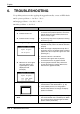
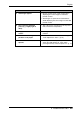
6. TROUBLESHOOTING
7. CLEANING
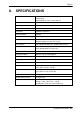
8. SPECIFICATIONS
9. GLOSSARY
APPENDIX/ANHANG/ANNEXE
TCO’03
TCO’99
FCC Declaration of Conformity
Hinweis zur Ergonomie
Recycling Information
English
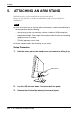
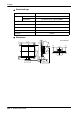
5. ATTACHING AN ARM STAND
23
4.
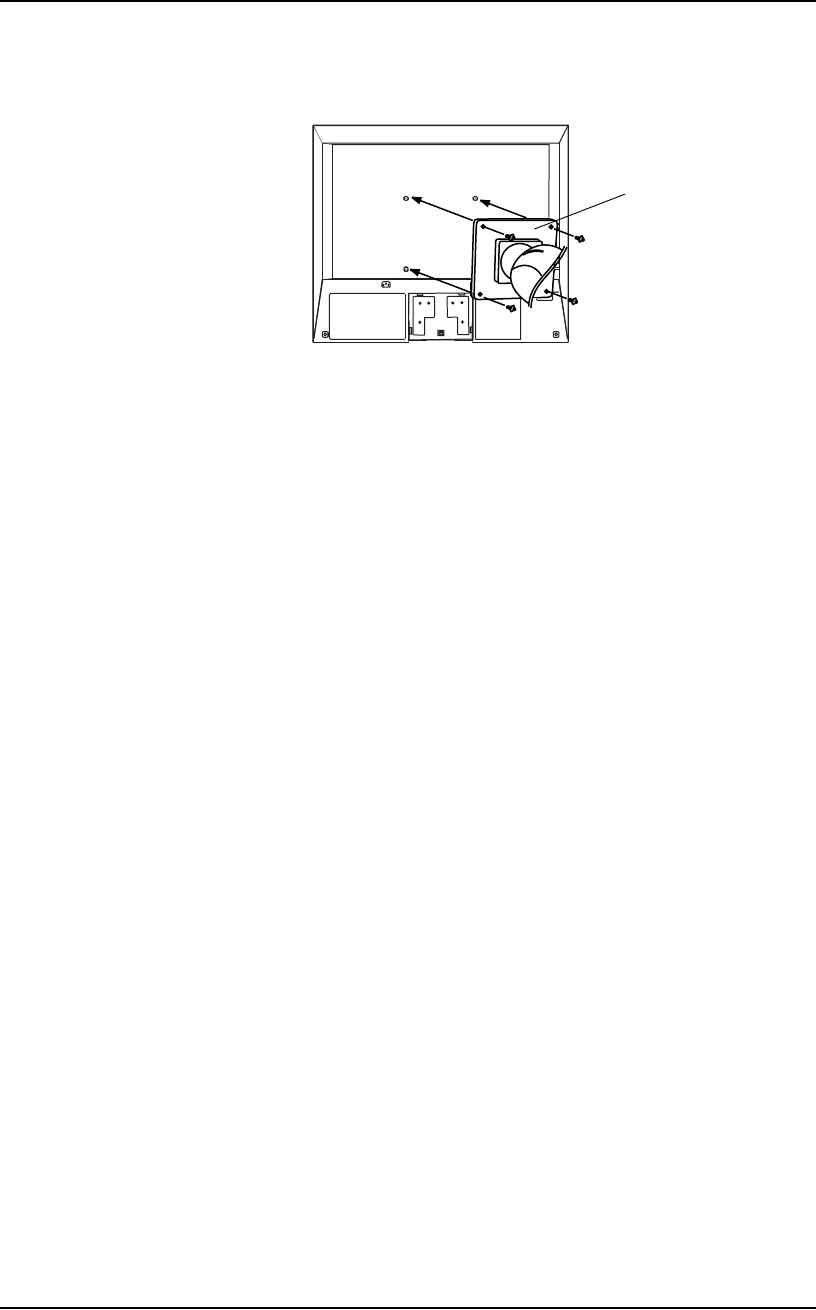
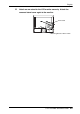
Attach an arm stand to the LCD monitor securel
y
. Attach the
remov
ed stand co
ver again to the mo
nitor
.
Arm-stand
4 Mounting Screws : M4 x 12 mm
1
...
...
21
22
23
24
25
...
...
39