
Nanao User's ManualColor LCD Monitor FlexScan L675

26 4. ADJUSTMENT
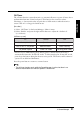
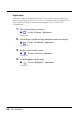
Digital Input
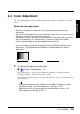
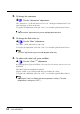
The monitor displays the digital input image correctly based on its pre-setting data.
However, if the image position is not incorrect or larger than the actual image screen,
please adjust the following adjustment items using the “Screen” menu of the
ScreenManager.
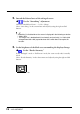
1. The screen position is incorrect.
ÆÆ
ÆÆ
Æ Use the “Position” adjustment.
See page 24.
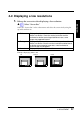
2. Screen image is smaller or larger than the actual screen images.
ÆÆ
ÆÆ
Æ Use the “Resolution” adjustment.
See page 24.
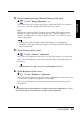
3. Set the Contrast of the screen.
ÆÆ
ÆÆ
Æ Use the “Contrast” adjustment.
See page 25.
4. Set the Brightness of the screen.
ÆÆ
ÆÆ
Æ Use the “Brightness” adjustment.
See page 25.