
User manual





A7+InternetTablet–UserManualv1.5 Page12
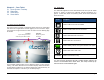
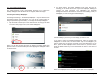
To adjust separate volume levels for media, alarm and notifications
separately, launch Settings>Sound>Volume. In the popup menu as
shown below, set the sliders to the desired levels.
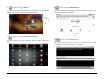
Selecting Silent Mode
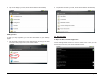
To put the Tablet into Silent mode, launch Settings>Sound and tap the
check box as shown below.
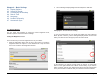
Notification Ringtones
Although the Tablet is not a phone, you can select a ringtone to be used
for audible notifications. Launch Settings>Sound>Notification ringtone
and make your selection.
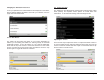
Additional Audio/Vibration Settings
In Settings>Sound you also have the opportunity to have the Tablet
make sounds or vibrate while you use it.