
User manual





A7+InternetTablet–UserManualv1.5 Page16
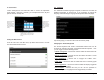
To Set the Time
If you would like to have the time automatically updated, go to
Settings>Time and date. You must select your time zone, but the time
zone selector will be greyed out unless you uncheck the box for
Automatic at the top. If there is a green check, tap the box to uncheck it.
Then tap Select time zone and scroll through the list to find your time
zone.
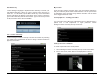
Once you have selected your time zone, tap the Automatic box at the top
and the time will automatically update.
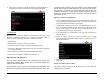
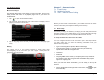
To manually set the time, make sure the box for Automatic is not
checked, then tap Set time. A popup window allows you to increase or
decrease the hours and minutes and select AM/PM. Tap the +/- buttons
to adjust the time as desired, then tap Set.
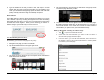
Setting the Time Format
From the main Time and date menu, you can choose whether or not to
view the time in 24-hour format. If the box is unchecked, 1:00 PM will
show as 1:00 PM. If the box is checked the time will show as 13:00.
Displaysthehour.
Usethe+/‐to
change,ortapthe
hourtoopenthe
built‐inkeyboardto
keyinthehour
directly.
DisplaysAM/PM.
Clickthebuttonto
changedirectly.
Displaystheminute.
Usethe+/‐tochange,
ortaptheminuteto
openthebuilt‐in
keyboardtokey
in
theminutedirectly.