- EPSON Monitor User's Guide C82357
Manuals
Brands
Epson Manuals
Monitor
C82357
21
22
23
24
25
26
27
28
29
30
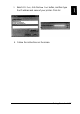
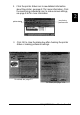
3.
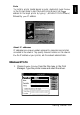
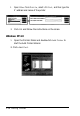
Select
LPR Port,
click the
New Port
button, and then type
the IP address and name of your printer. Click
OK.
4.
Follow the instructions on the screen.
Getting Started
1-17
1
...
...
21
22
23
24
25
...
...
57