
User guide


During Calls
12
Dialog
3212
Dialog
3210
Dialog
3211
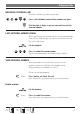
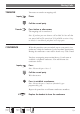
MUTE
(3210 telephone)
Press to switch the microphone on or off
(3211/ 3212
When the lamp is lit, the person on the line cannot hear
what is being said in your room.
telephones)
Note: Key designation differs on the telephones.
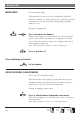
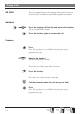
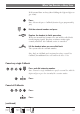
INQUIRY You have speech connection on Access 1 and want to make an
inquiry to an internal or external party.
Inquiry
Press
Note: You can also press Access 2.
Call the second party
Access 1
The first party is put on hold (the lamp flashes slowly).
When the other party answers you can switch between the
calls (refer back), transfer the call, create a conference and end
one of the calls.
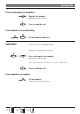
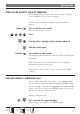
Press to end the inquiry call
The second party is disconnected.
Access 1
Press to return to the first party
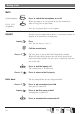
Refer back The key lamp flashes for the call put on hold.
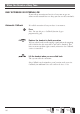
Access 1
Press to put second party on hold
First party is connected.
Inquiry
Press to put first party on hold
Second party is connected.
Press to terminate the connected call
/Prog