
Video Game Console User Manual


12
TM
13
Travel Journal
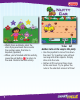
• Press the travel journal button .
Then use the joystick and handlebar
buttons to review and select a
snap shot.
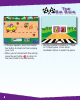
• Next, use the joystick and handlebar
buttons to select the stamp tool
to decorate your picture.
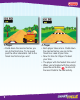
• Choose a stamp with the joystick
and handlebar buttons and place
it on the snap shot.
• Select the erase button to
clear the screen and decorate
another picture.
Stamp Tool
Erase
See previous
snap shot
See next
snap shot
Pack for
the Party