
User Manual


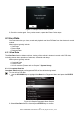
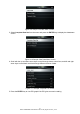
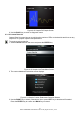
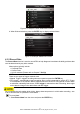
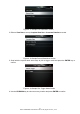
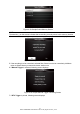
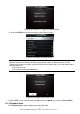
Table Of Contents
- One-Year Limited Warranty
- Safety Information
- 1 Using This Manual
- 2 Introduction
- 3 Getting Started
- 4 OBDII/EOBD Operations
- 5. DTC Lookup
- 6 Review Data
- 7 System Setup
- 8 Tool Information
- 9 NT Wonder Introduction

NT301 OBDII/EOBD Code Reader User’s Guide_English Version_V1.00
18
Figure 4-17 Sample Live Data Menu Screen
2. Refer to View Data to set up Complete Data Set or Customer Data Set to record.
Figure 4-18 Sample Record Data Menu Screen
3. Scroll with the up and down arrow keys to pick a trigger mode and press the ENTER key to
confirm.
Figure 4-19 Sample Pick Trigger Mode Screen
4. Use the UP/DOWN key to select a memory location and press ENTER to confirm.