
Computer Products of America Image Scanner Operator's Guide fi-4990C
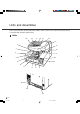
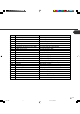
Table Of Contents
- Cover
- Inner Cover
- Revision Record
- Addresses
- IMPORTANT NOTE TO USERS
- Preface
- Conventions
- CONTENTS
- Chapter Index
- CHAPTER 1 COMPONENTS
- CHAPTER 2 INSTALLATION AND CONNECTIONS
- CHAPTER 3 OPERATING INSTRUCTION
- CHAPTER 4 DOCUMENT SPECIFICATION
- CHAPTER 5 SPECIFICATIONS
- CHAPTER 6 SETUP, BROWSE, AND TEST MODES
- Setup, Browse, and Test Modes
- Activating the Setup or Browse Mode
- Contents of the Setup or Browse Mode
- Transition of screens in setup mode
- Paper length check
- Doublefeed check
- Paper thickness setup
- Skew check
- IPC-3 mode
- Hopper height
- Paper separation level
- Drop-out color
- Background changeover
- Consumable counter
- Consumable counter reset
- Consumable alarm mode
- Buzzer
- Buzzer volume
- LCD contrast
- Picking speed
- TP_IF baud rate
- SCSI ID
- Product ID
- Pre-pick
- Pick start time
- Manual feed timeout
- Paper pick retry
- Paper feed retry
- Function key
- Setup mode lock
- Language
- White follower mode
- Interface board slot
- SCSI bus width setting
- Activating the Test Mode
- Contents of the Test Mode
- GLOSSARY OF TERMS
- INDEX
- Declaration of Conformity
- Back Cover
1-3
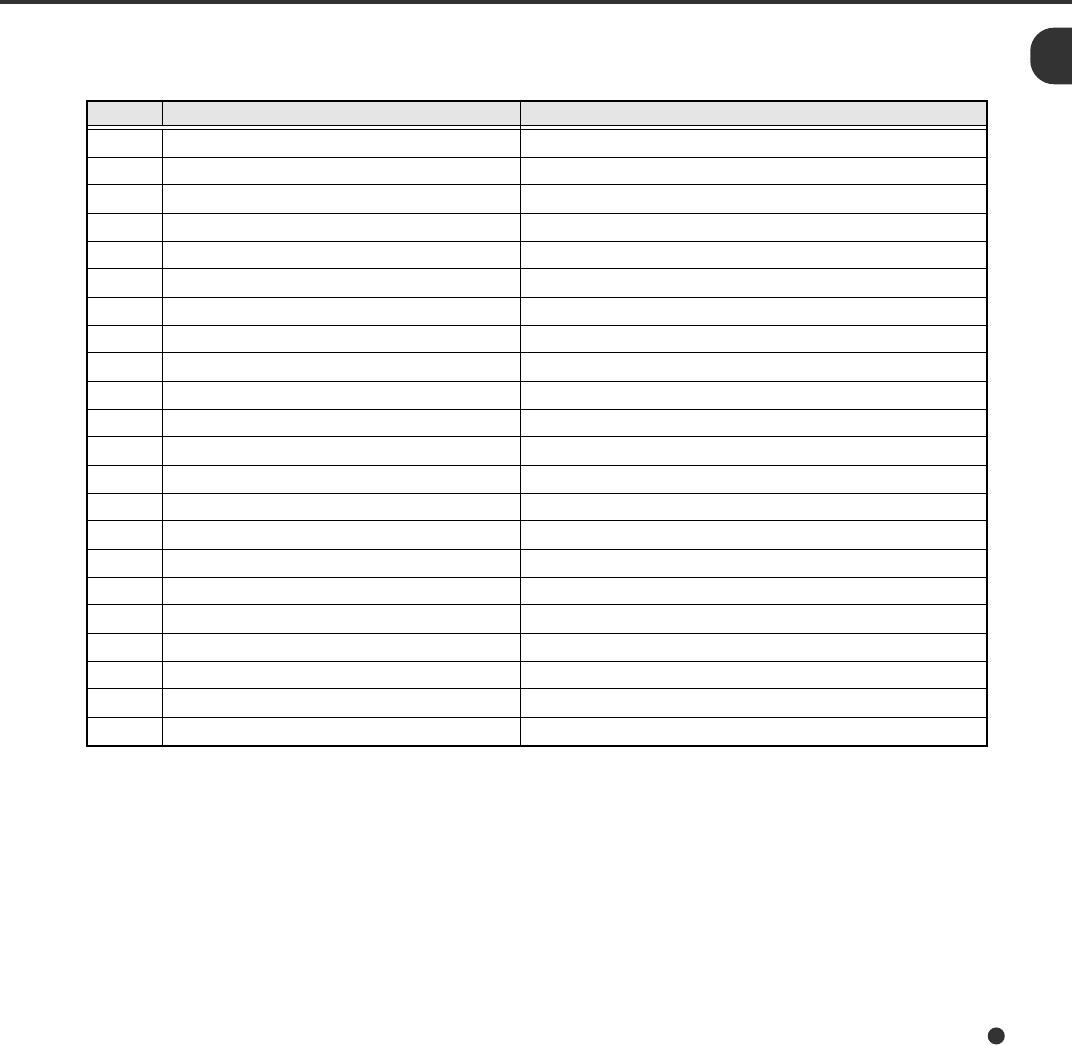
No. Name Function
1 Operator panel Used to operate the scanner.
2 Power switch Used to power on or off.
3 Hopper Document input tray.
4 Hopper guides Used to adjust the document width.
5 Hopper extension For use with long documents.
6 Automatic document feeder (ADF) Feeds documents automatically.
7 ADF release lever Used to open the ADF.
8 Pick roller unit Picks top page in document stack.
9 Guide plate The pad unit is mounted on.
10 Pad Separates top page from document stack.
11 Brake roller Separates top page from document stack.
12 Upper transport unit Opens for easy access.
13 Lever Used to open the upper transport unit.
14 Side cover Opens to access back-side lamp.
15 Stacker Document exit tray.
16 Check stopper Adjustable stopper for shorter length documents.
17 Stacker guides Helps guide documents into stacker.
18 Stop lever Used to keep documents in the stacker.
19 Stacker extension For use with long documents.
20 Main line switch Controls supply of line power to the scanner.
21 Power inlet Power cable connection.
22 Interface connectors Ultra Wide SCSI (1pcs.)
03C1.P65 01.2.17, 5:42 PM3