
Desktop Computer User Guide


Table Of Contents
- Getting Help
- Using Windows
- Using the Internet and Faxing
- Playing and Creating Media Files
- Networking Your Computer
- Introduction to Networking
- Ethernet networking
- Wired Ethernet networking
- Wireless Ethernet networking
- Establishing your Ethernet network connection
- Testing your network
- Adding a printer to your network
- Sharing resources
- Using the network
- Bluetooth networking
- Protecting your computer
- Customizing Windows
- Changing screen settings
- Changing system sounds
- Changing mouse settings
- Adding and modifying user accounts
- Changing power-saving settings
- Changing accessibility settings
- Setting up parental controls
- Notices
CHAPTER 2: Using Windows
14
Creating a new document
To create a new document:
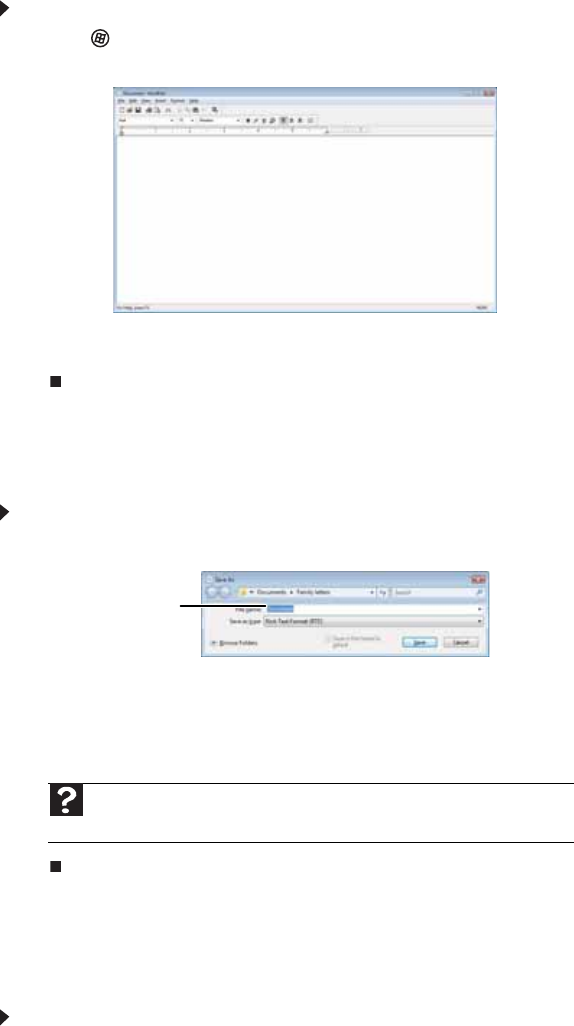
1 Click (Start), All Programs, Accessories, then click WordPad. Microsoft WordPad starts
and a blank document opens.
2 Begin composing your document. Use the menus and toolbar buttons at the top of the
window to format the document.
Saving a document
After you create a document, you need to save it if you want to use it later.
To save a document:
1 Click File, then click Save. The Save As dialog box opens.
2 Click Browse Folders to open the Folders list, then click the folder where you want to save
the file.
3 Type a new file name in the File name box.
4 Click Save.
Opening a document
To view, revise, or print an existing document, first you need to open it. Open the document in
the program that it was created in.
To open a document:
1 Start the program.
2 Click File, then click Open.
Help
For more information about saving documents, click Start, then click Help
and Support. Type saving in the Search Help box, then press E
NTER.
File name