
manual




Getting Started Guide Installation for Lotus Domino 81
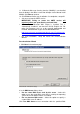
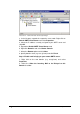
Screenshot 70 - Selecting the default anti-spam action to use
6. In the Default anti-spam action dialog select the default action to
be taken when emails are detected as spam. Click Next to continue.
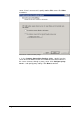
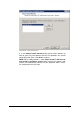
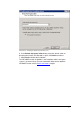
7. Click Finish to finalize the installation.
The GFI MailEssentials installation is now complete and the anti-spam
system is up and running. For more information about how to optimize
GFI MailEssentials refer to Post-install actions chapter.