
User manual User Manual


GH-625XT
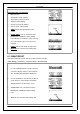
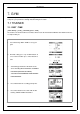
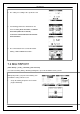
1. Use Up and Down button to select the i t e m and
press OK to m o di f y it.
2. You can set the alarm to sound when your HR
ZONE / CUSTOM setting is a bov e or below a
specified value or OFF alarm.
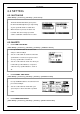
3. Heart Rate Alert supports 3 regions setting,
when tra i ni ng is start, the Heart Rate Alarm
region indicator will appear in Speedom et er
page.
4. Tr ai ner may press “UP” 3 key seconds to
switch Heart Rate Alarm region.
A 6.2.2-4 SETTING
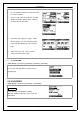
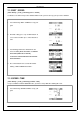
[MAIN M E NU] > [ACTIVITY]> [SETTING] > [ALERTS] > [SETTING]
To select the alerts sign wi th message /beeper or
symbol/beeper.
6.2.3 CALORIES
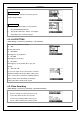
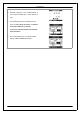
[MAIN M E NU] > [ACTIVITY]> [SETTING] > [CALORIES]
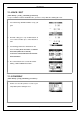
SPORT TYPE
Select sport type f r om "Wal king", "Hiking",
"Running", "Biking" or "By Time" by press UP and
Down button.
Page 23